

AVAYA DOCUMENTATION CENTER
Find answers to your technical questions and learn how to use our products
Administering Avaya Experience Platform™ Public Cloud
Creating engagement design workflow with conditional branches
You can create an engagement design workflow with conditional branches. For information on creating, editing, and managing workflows, see Configuring Workflows for Avaya Experience Platform™ Public Cloud.
Before you begin
Ensure that you log in to Orchestration as an account administrator.
- You can use the Condition node in the workflow to test if the received queue is of a certain value. If it is, you can redirect the call to the corresponding VDN address of that queue.
ADDITIONAL INFORMATION:
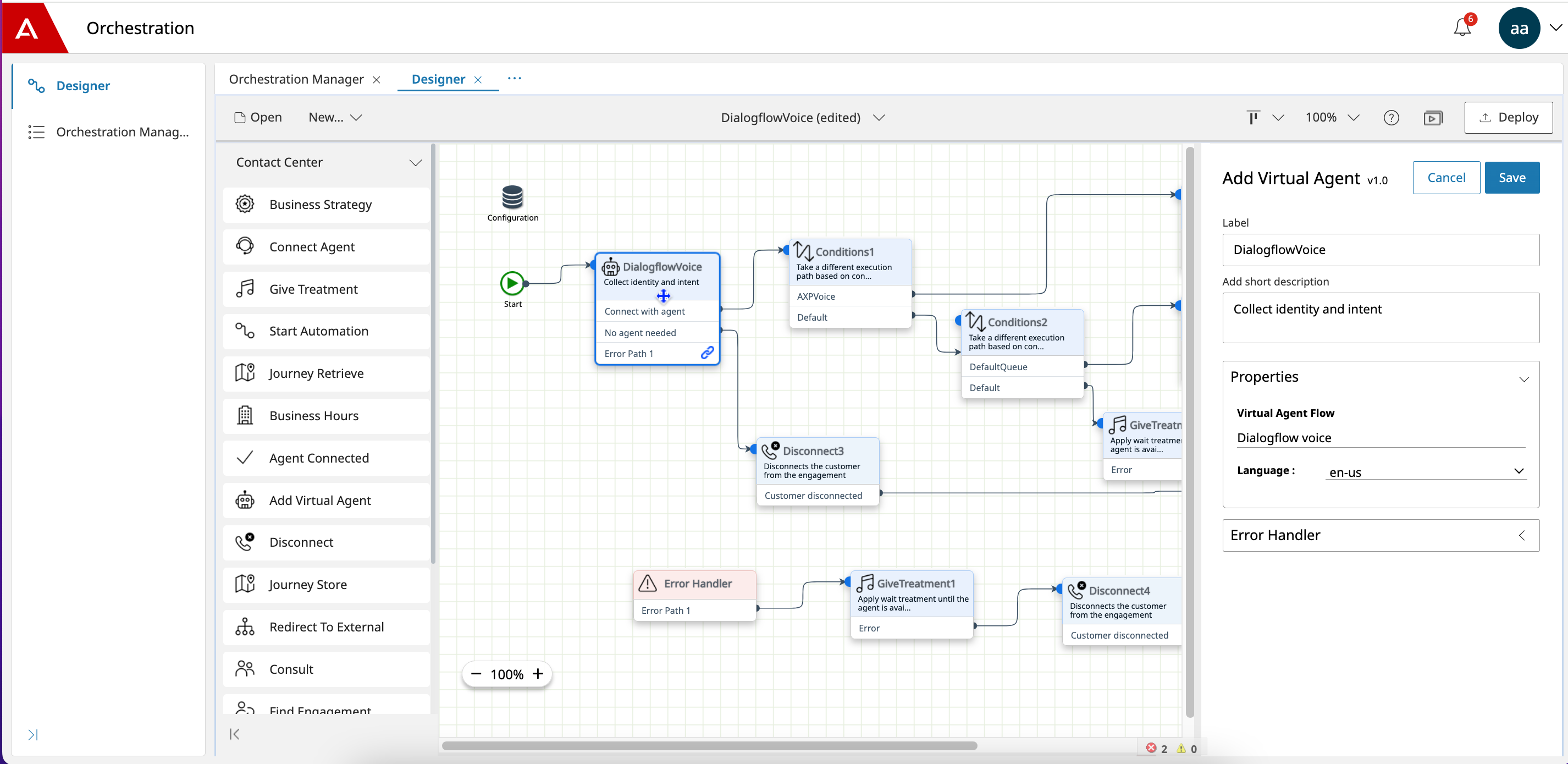
- The mapped Avaya Experience Platform™ Public Cloud queue name from the Dialogflow is stored in the variable DialogflowVoice.queue_received.queue, where DialogflowVoice is the name of the Add Virtual Agent node.
ADDITIONAL INFORMATION:

- You can cascade the Condition node in the workflow to support multiple queues in Avaya Experience Platform™ On-Prem.
ADDITIONAL INFORMATION:


