

AVAYA DOCUMENTATION CENTER
Find answers to your technical questions and learn how to use our products
Avaya Call Management System Security
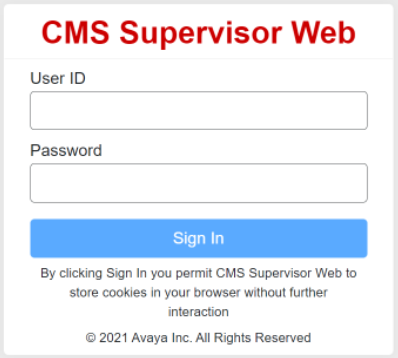
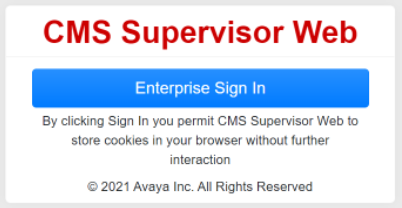
Web client user login window
CMS users see different login windows based on whether they have logged in using the local or enterprise login method.
Example: Local and LDAP login To log in to the Web Client, the user enters the CMS user ID and password and clicks Sign In. |
 |
Example: Enterprise login To log in to the Web Client, the user clicks Enterprise Sign In.
|
 |