AVAYA DOCUMENTATION CENTER
Find answers to your technical questions and learn how to use our products
Using Avaya Outlook Meetings Add-In
Avaya Outlook Meetings Add-In Navigation
Avaya Outlook Meetings Add-In
Use Avaya Outlook Meetings Add-In to add, update, or delete Avaya Meetings Server meeting information in Microsoft Outlook. You must enable the Avaya Outlook Meetings Add-In in Outlook. After you enable the add-in, the location of Avaya Meeting feature varies by platform:
Windows: Meeting ribbon
Mac: New Event window
Web: Event page
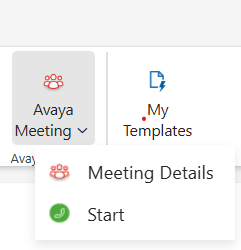
Avaya Meeting has the following 2 features:
Meeting Details: Enables users to add or remove Avaya Meetings Server meeting information to the Microsoft Outlook meetings.
Start: Enables the host to start the meeting.
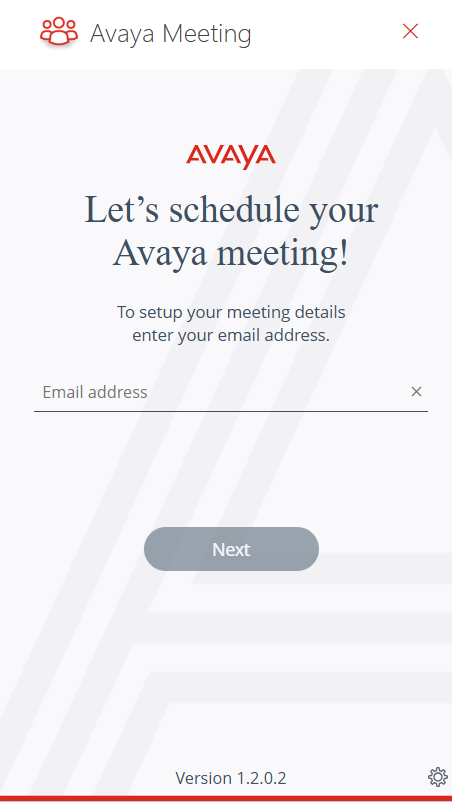
Start page
The Start page has Email address field.
Sign in page
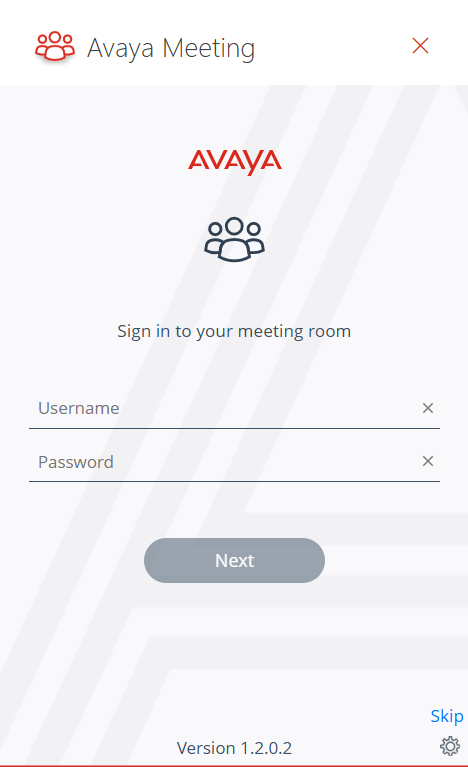
The Sign in page validates users to access Avaya Outlook Meetings Add-In. The Sign in page has the following fields:
Username: Enter the email address or username.
Password: Enter the password.
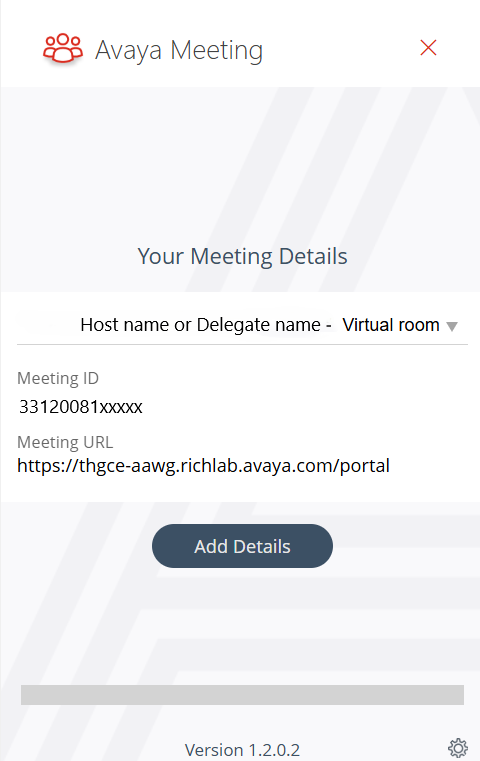
Add Details
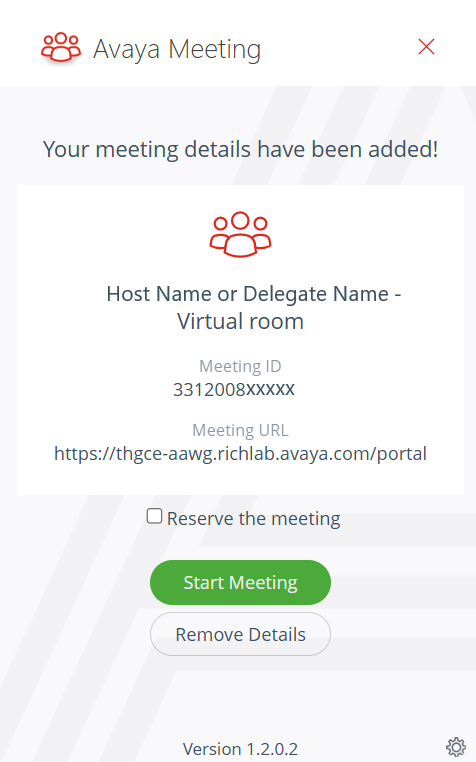
Use the Add Details to add Avaya Meetings Server meeting information to Microsoft Outlook meeting.
Remove Details
Use Remove Details to remove Avaya Meetings Server meeting information from Microsoft Outlook meeting.
The Remove Details has the following feature:
Reserve the Meeting check box: Enables users to reserve the meeting on the server and generate a unique meeting ID.
Start Meeting: Enables the host to start the meeting.