Find answers to your technical questions and learn how to use our products
Search suggestions:
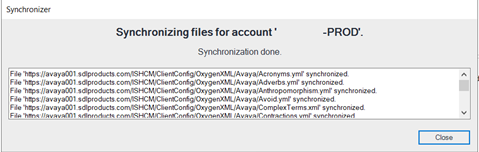
A synchronization dialog box shows that RWS has automatically pushed the new rule files to the folder in your system.
Terminology Checker:
C:\Users\<User-Profile>\Documents\OxygenXMLAuthor\Avaya
C:\Users\<User-Profile>\OneDrive - Avaya\Documents\OxygenXMLAuthor\Avaya
Spell Checker:
C:\Users\<User-Profile>\AppData\Roaming\com.oxygenxml.author\spell\Avaya
AutoCorrect:
C:\Users\<User-Profile>\AppData\Roaming\com.oxygenxml.author\autocorrect\Avaya
Previous Topic
Next Topic