AVAYA DOCUMENTATION CENTER
Find answers to your technical questions and learn how to use our products
Getting started with Documentation tools
Installing the Terminology Checker add-on from Oxygen XML Author
- Open Oxygen XML Author, and click to open an add-on.
ADDITIONAL INFORMATION:
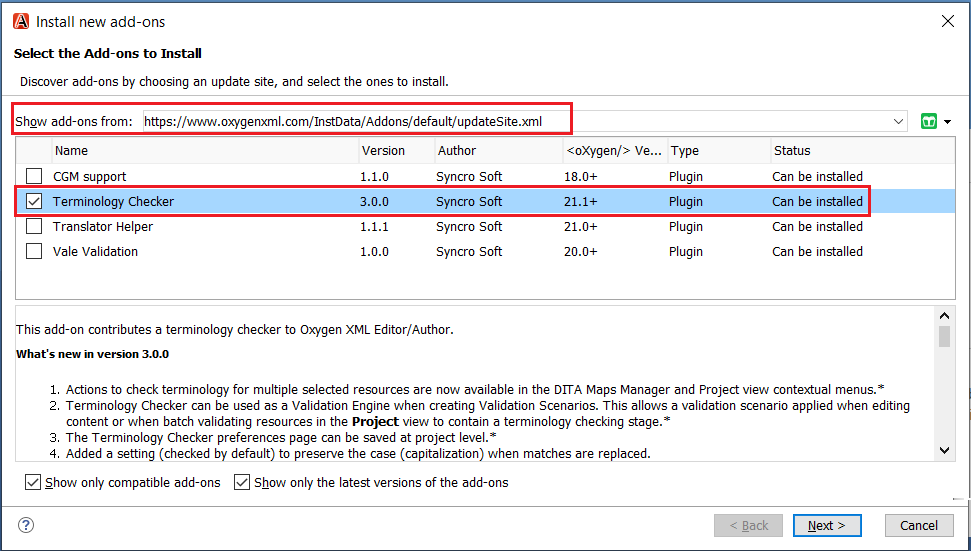
- In Show add-ons from, enter or paste https://www.oxygenxml.com/InstData/Addons/default/updateSite.xml or select it from the drop-down menu.
- Select the Terminology Checker add-on and click Next.
- Read the end-user license agreement, select I accept all terms of the end-user license agreement, and click Finish.
- Restart the application.
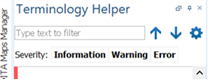
STEP RESULT:On the left pane, the Terminology Helper dialog box lists all errors with suggested words and comments.