Find answers to your technical questions and learn how to use our products
Search suggestions:
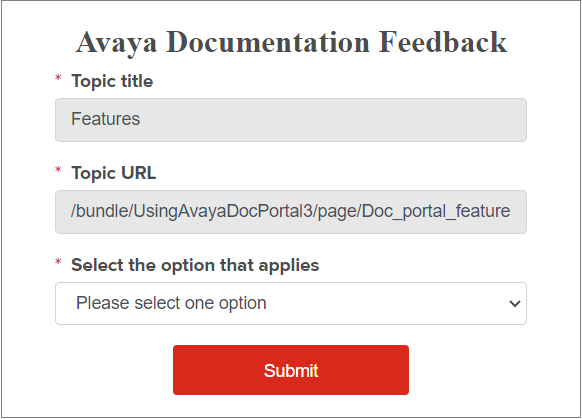
You can provide your feedback on the topic that you are reviewing.
The page displays the feedback form.
The content is incorrect
The topic or manual is missing information
I cannot find the information I am looking for
I need help with a password or logon
I have a question about the product
The product is not working as expected/documented
I found a broken link
Other
Provide your correct email address for Avaya to respond to your questions.
An Avaya representative will contact you with the required information when they receive your feedback.
Previous Topic
Next Topic