AVAYA DOCUMENTATION CENTER
Find answers to your technical questions and learn how to use our products
Deploying Avaya Calling for MS Teams with IP Office
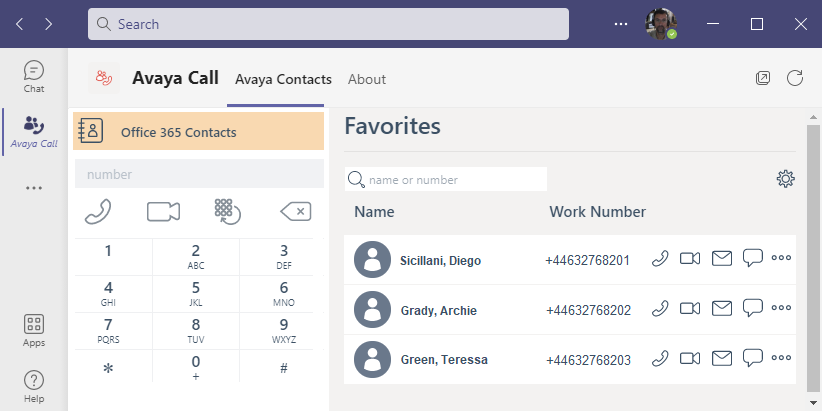
Adding Avaya Calling to the MS Teams Client
The use of the Avaya Calling plug-in is optional when using direct routing between MS Teams and the IP Office.
The user's PC must have Avaya Workplace Client installed and operational (not covered in this document).
You must configure the user to support MS Teams integration with IP Office. See Manually Adding MS Teams+IP Office Users.
Before you begin
Procedure
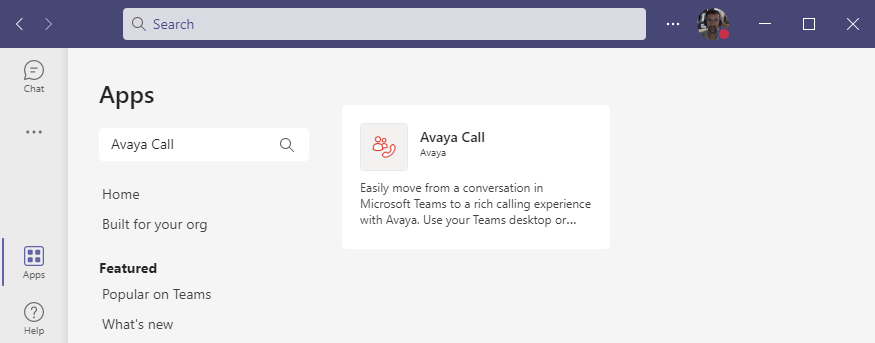
- In the Search all apps search box, enter Avaya Call.
- Enter your username and password and click Sign In.