AVAYA DOCUMENTATION CENTER
Find answers to your technical questions and learn how to use our products
Using Avaya Documentation Center
New Documentation Center Home
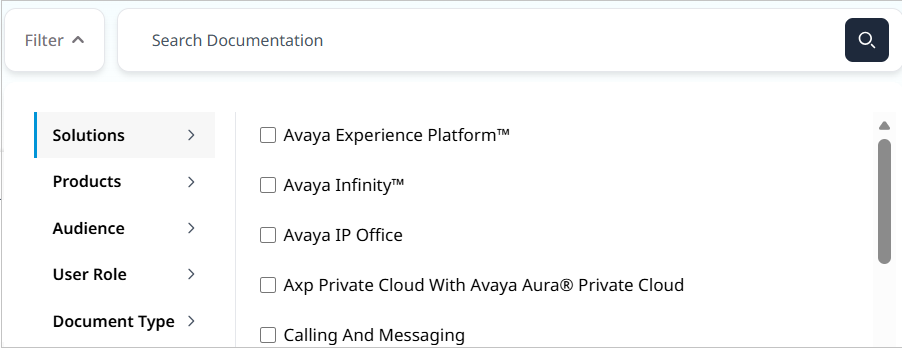
Menu bar and Search bar
Menu bar: The header has buttons to click for higher content engagement, such as a library of all publications, links to other Avaya websites, and a localized page version. An authenticated user will see their name on the right.

Search bar: The home page has a search box to type a phrase and receive a results page based on your search.
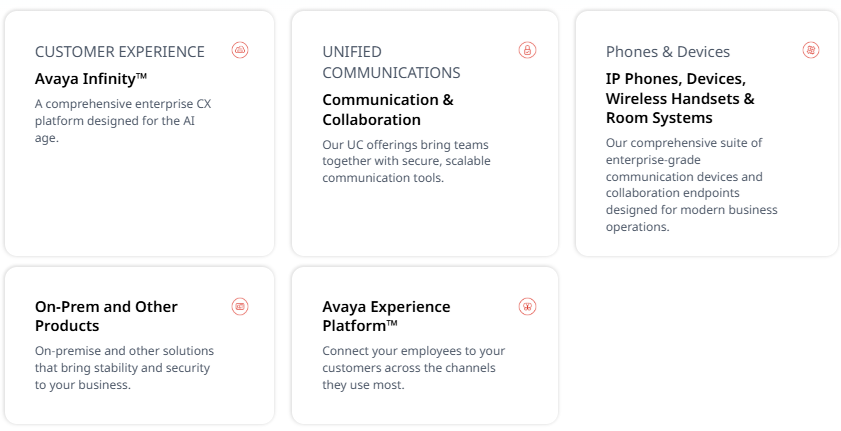
Navigation tiles
Navigation tiles are clickable areas on the Avaya Documentation Center home page, enabling you to navigate to different parts of the portal.
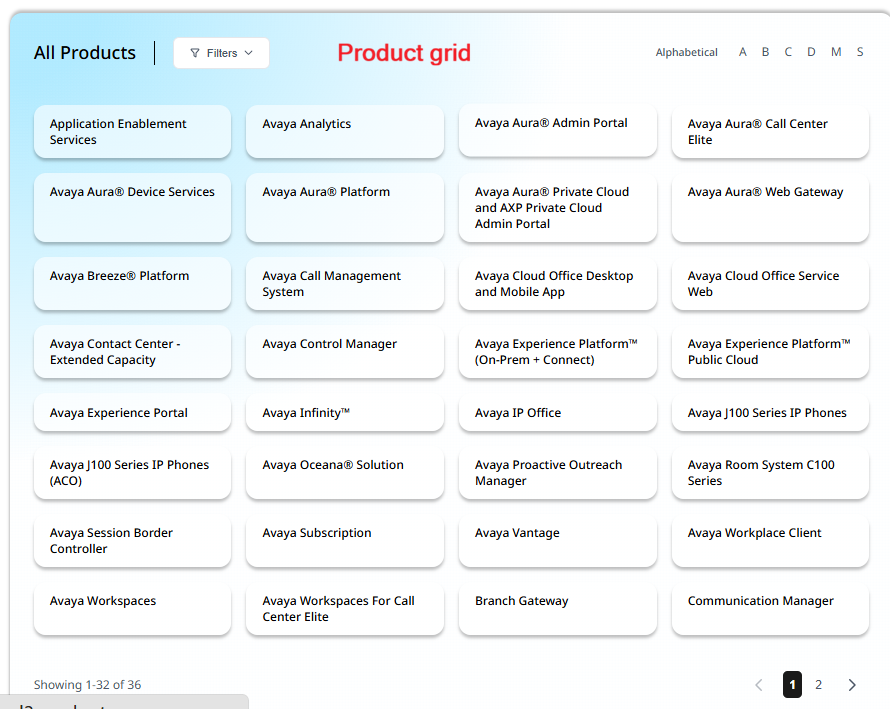
Filter by Product
Filter by Product is another set of navigation tiles enabling you to browse through the list alphabetically or filter through the products.
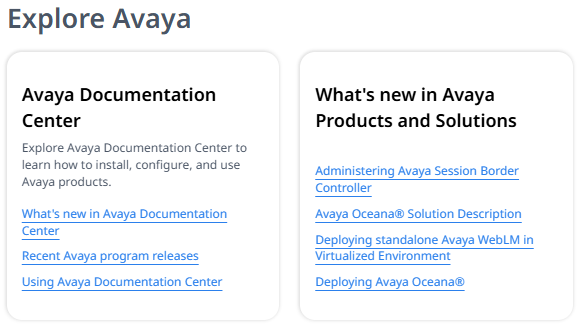
Explore Avaya
Provides the following:
-
How to use the Avaya Documentation Center.
-
Enables you to view the new content.
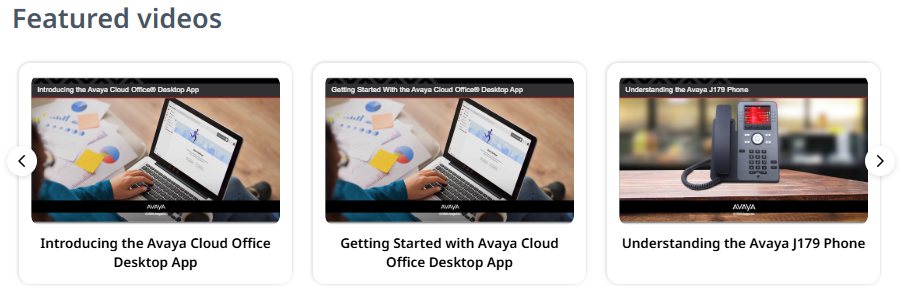
Featured Videos
The Video Carousel is a set of featured video tiles.