

AVAYA DOCUMENTATION CENTER
Find answers to your technical questions and learn how to use our products
Using Avaya Documentation Center
Providing feedback on a topic
You can provide your feedback on the topic that you are reviewing.
- Select a topic and click Send Feedback.
ADDITIONAL INFORMATION:The page displays the feedback form.
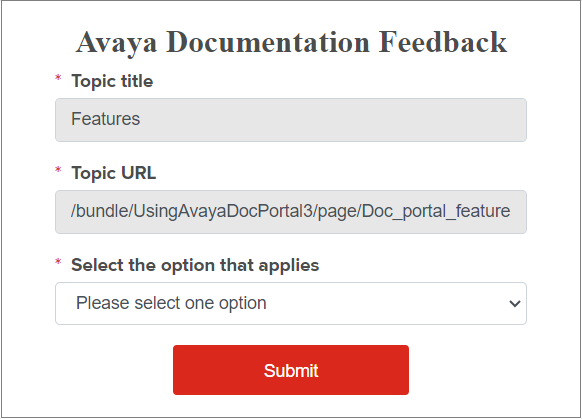
- Select an option that applies:
-
The content is incorrect
-
The topic or manual is missing information
-
I cannot find the information I am looking for
-
I need help with a password or logon
-
I have a question about the product
-
The product is not working as expected/documented
-
I found a broken link
-
Other
-
- Enter your name.
- Enter and confirm your email address.
ADDITIONAL INFORMATION:Provide your correct email address for Avaya to respond to your questions.
- In the Description field, provide a detail description.
- Click Submit.
ADDITIONAL INFORMATION:An Avaya representative will contact you with the required information when they receive your feedback.