

AVAYA DOCUMENTATION CENTER
Find answers to your technical questions and learn how to use our products
Deploying and Upgrading Avaya G430 Branch Gateway
Mounting the Branch Gateway on a wall
You can only mount G430 Branch Gateway on a wall if you do not attach any EM200 modules to it.
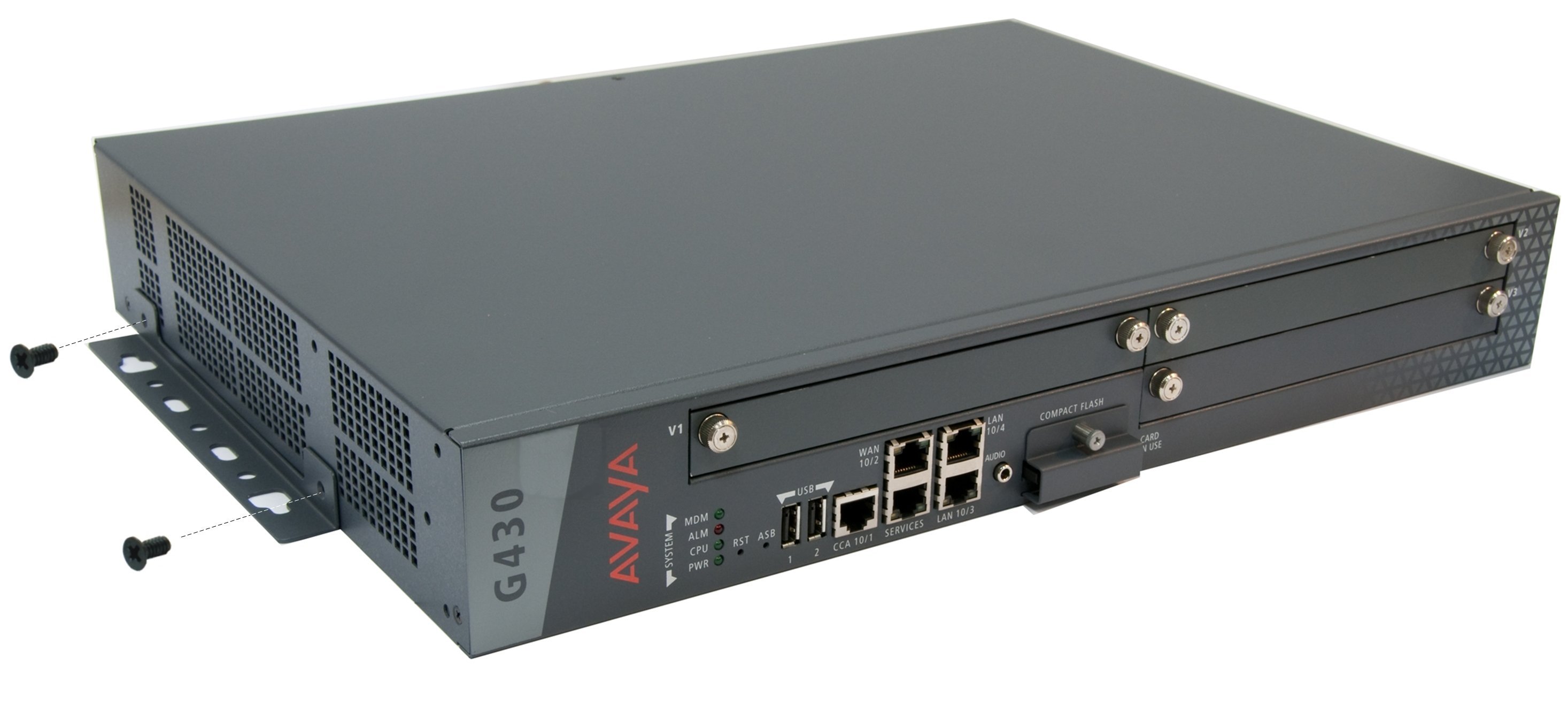
- Attach a wall mounting bracket to each side of the Branch Gateway, as shown in the following image.
ADDITIONAL INFORMATION:
- Mark the plywood with the location of the Branch Gateway bracket screw holes before fastening the plywood to the wall.
- Place the Branch Gateway with its front panel facing up.
- Secure the Branch Gateway to the plywood with screws.