

AVAYA DOCUMENTATION CENTER
Find answers to your technical questions and learn how to use our products
Avaya CMS Supervisor Report Designer
Sort tab
Use the Sort tab to specify the order in which the information on the real-time table report is displayed.
Example
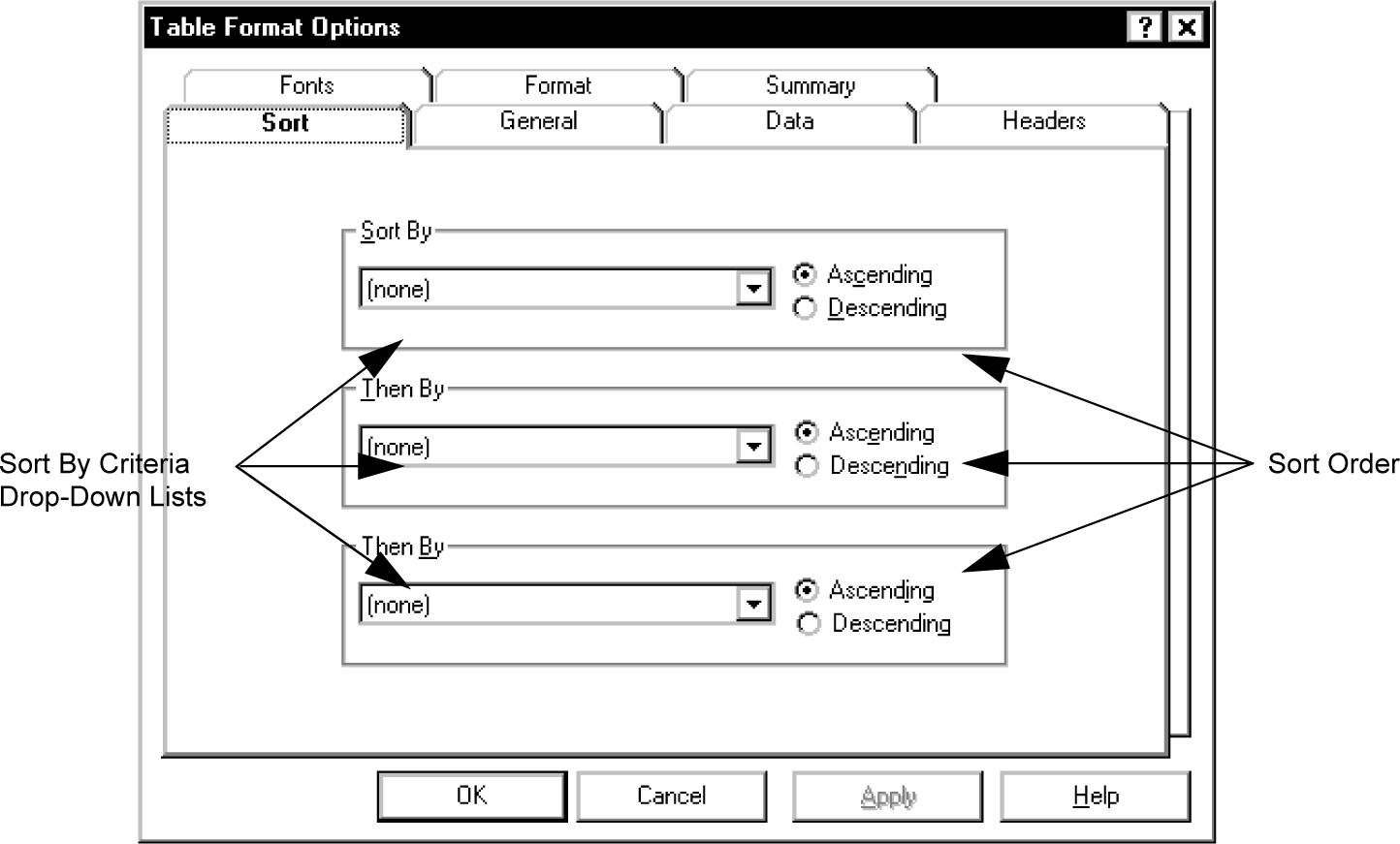
Sort tab options
You can specify the following parameters.
|
Name
|
Description
|
|---|---|
|
Sort by
|
When you set up display order for a real-time report, specify the sort column under Sort by and the sort order as Ascending or Descending. The drop-down list for Sort by lists all of the database table and item names used in the report.
|