AVAYA DOCUMENTATION CENTER
Find answers to your technical questions and learn how to use our products
Administering Avaya Breeze® platform
CEnetSetup or AvayaNetSetup command
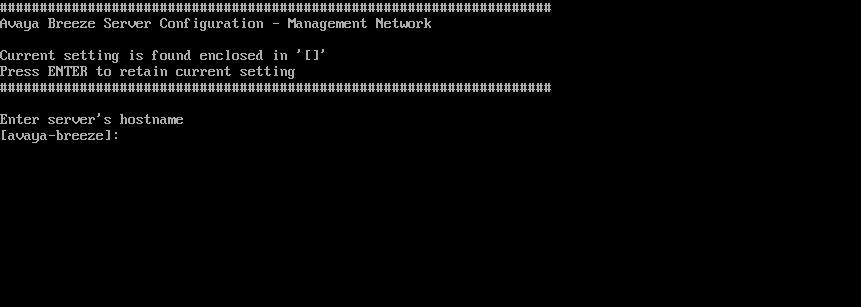
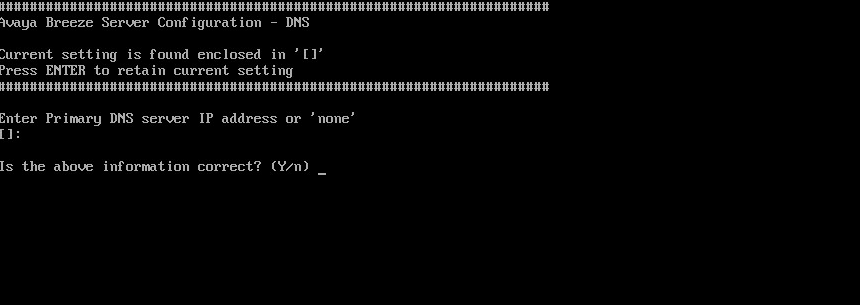
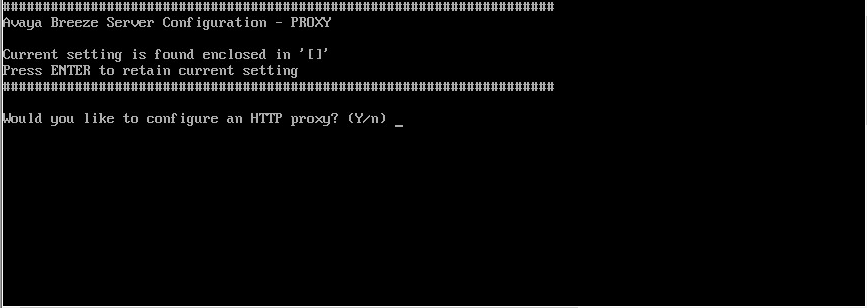
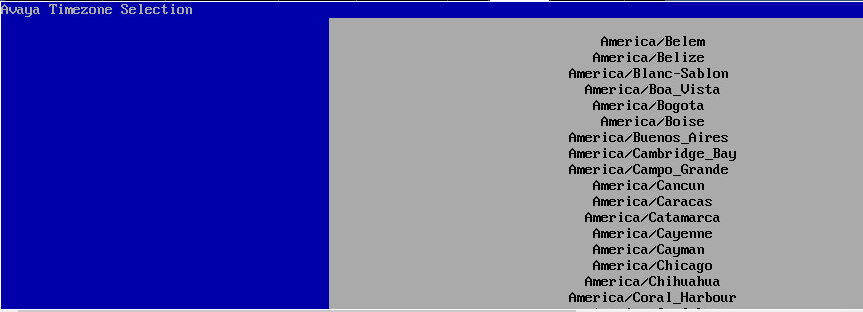
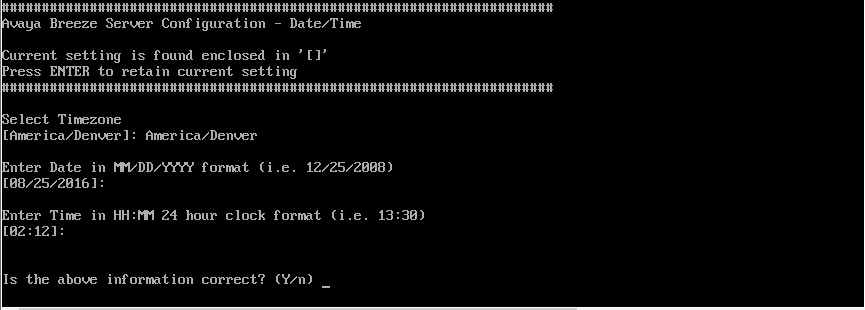
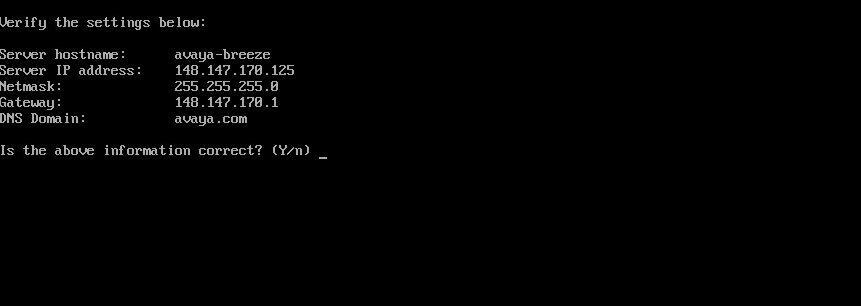
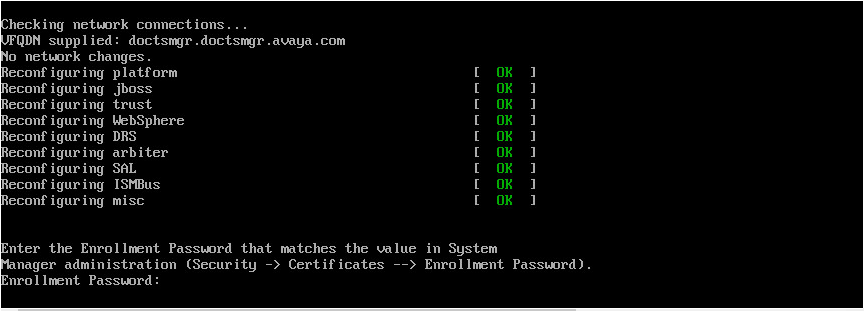
Use the CEnetSetup or AvayaNetSetup command to change the OVA properties specified during deployment.
If you change the time zone or time and date settings using one of these commands, set the Avaya Breeze® platform node to the Deny New Service state and reboot it at your earliest convenience to ensure that the change is propagated through all software components. You can select the Deny New Service cluster state on the Cluster Administration page.
If you are changing the management interface IP address (server IP address), use the VM console (not a session supported by ssh).
For information about configuring Avaya Breeze® platform after changing the IP address or FQDN using the CEnetSetup or AvayaNetSetup commands, see Deploying Avaya Breeze® platform.
Sample output