AVAYA DOCUMENTATION CENTER
Find answers to your technical questions and learn how to use our products
Using Avaya Room Camera RC212 and Avaya Room Camera RC220
Camera configuration in the web interface
With the web interface, you can remotely adjust camera settings and monitor video in real time.
The web interface is available from a Google Chrome browser. You must enter the camera IP address in Google Chrome to access the web interface Login page.
You can also use the web interface during the initial setup to configure basic settings, such as network connection and camera orientation. For more information about configuring AI tracking from the web interface, see AI tracking.
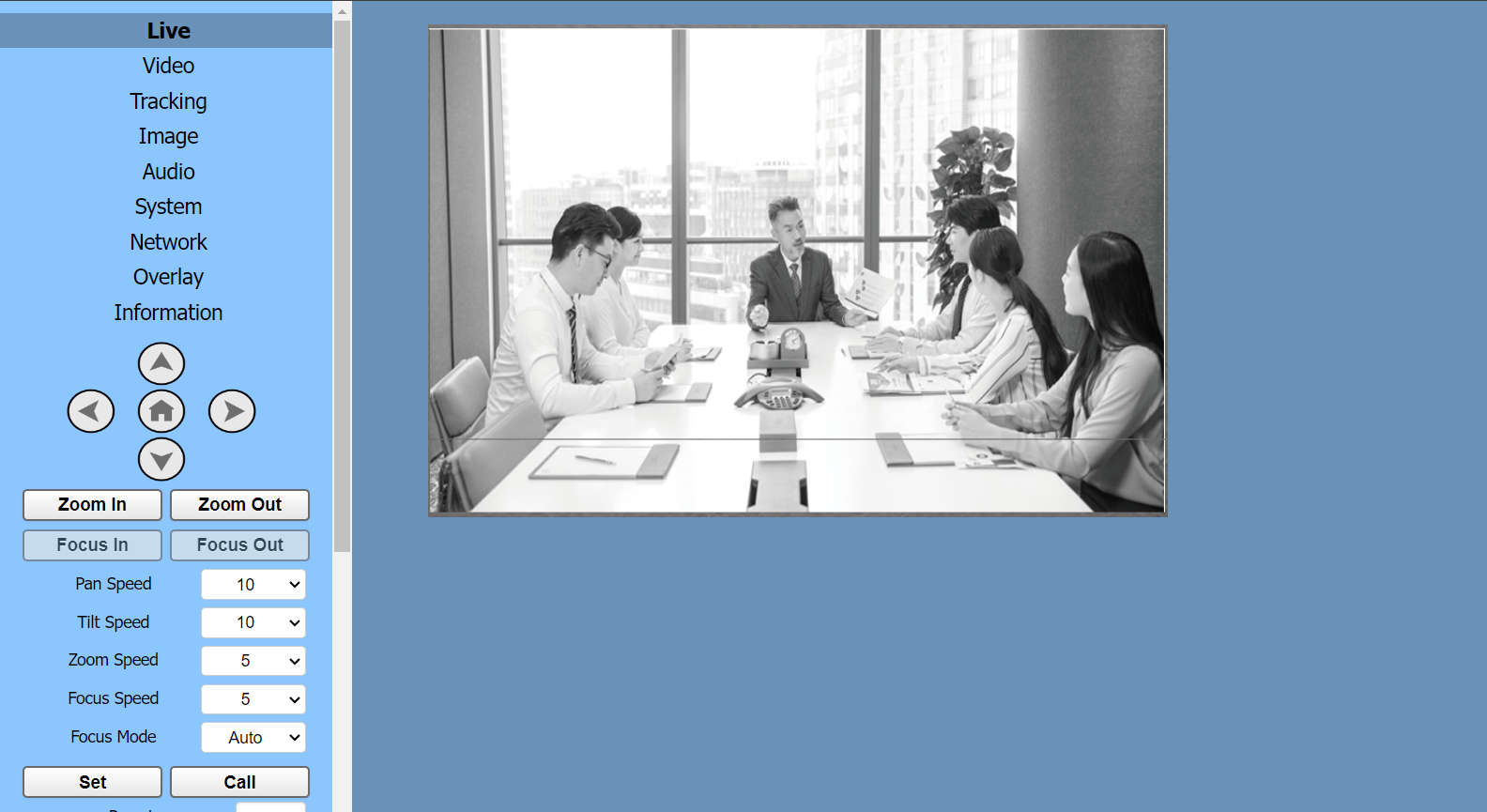
The web interface Home page has the following areas:
The video frame for real-time monitoring.
The side pane with menu options and parameters to customize the camera settings.