AVAYA DOCUMENTATION CENTER
Find answers to your technical questions and learn how to use our products
Deploying and Upgrading Avaya G450 Branch Gateway
Connecting an E1/T1 WAN link to the MM340 media module
Use an unshielded twisted pair cable, straight or crossover, depending on the WAN equipment.
G450 Branch Gateway v4 does not support the MM340 media module.
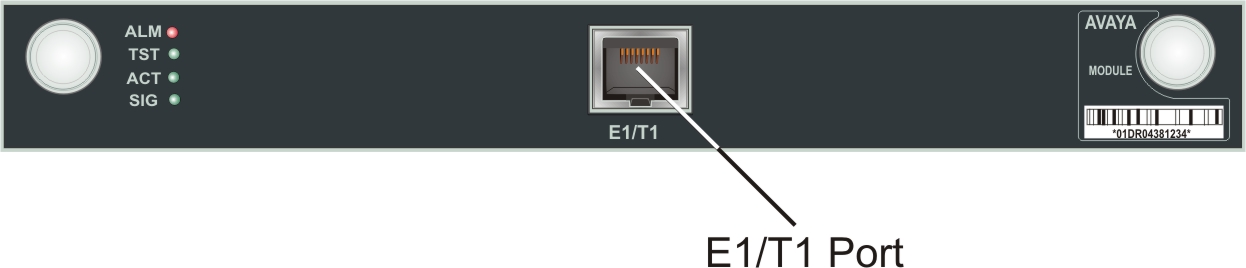
- Plug the WAN line into the E1/T1 port on the MM340 media module.
ADDITIONAL INFORMATION:The following image shows the E1/T1 port location on the MM340 media module: