AVAYA DOCUMENTATION CENTER
Find answers to your technical questions and learn how to use our products
Deploying and Upgrading Avaya G450 Branch Gateway
Connecting a WAN link to the MM342 media module
You must connect the WAN link to a device connected to the Avaya MM342 media module.
Use one of the following cable types, depending on the service provider’s equipment:
-
Avaya serial cable DTE V.35
-
Avaya serial cable DTE X.21
G450 Branch Gateway v4 does not support the MM342 media module.
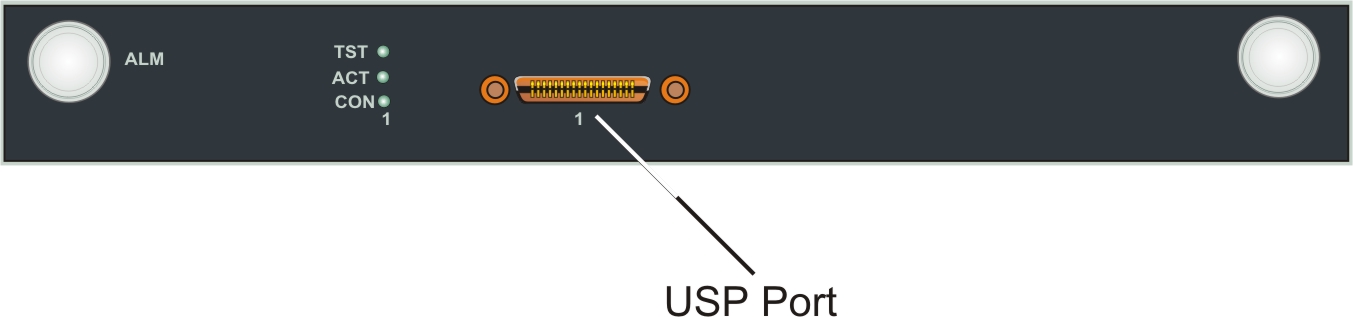
- Plug the WAN line into the USP port on the MM342 media module.
ADDITIONAL INFORMATION:The following image shows the USP Port location on the MM342 media module: