

AVAYA DOCUMENTATION CENTER
Find answers to your technical questions and learn how to use our products
Installing IP Office SoftConsole
Installing console software
Before you begin
Ensure that you have met the prerequisites.
Log on using an account with administrator rights and check whether IP Office SoftConsole is already installed. If already installed and the version is pre-9.1, it must be removed before proceeding any further.
Procedure
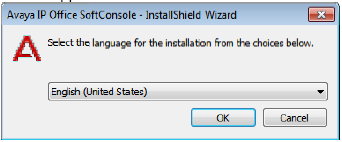
- Start the console installer by right-clicking on it and selecting Run as administrator.
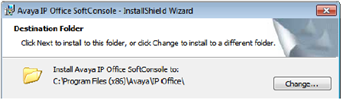
- Leave the directory setting at default unless absolutely necessary.
- Click Install.
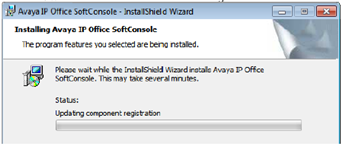
The software installation begins.
Next Steps
Set the software to run with administrator privileges.