AVAYA DOCUMENTATION CENTER
Find answers to your technical questions and learn how to use our products
Deploying Avaya Session Border Controller on a Virtualized Environment Platform
Deployment options
Avaya SBC supports several physical deployment options and different options when using different virtualized platforms.
Single server deployment
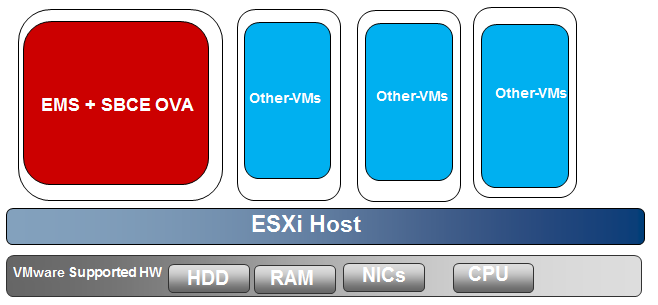
If you select a single server deployment, the OVA file installs configurations for both Avaya SBC and EMS. In the single server configuration, Avaya SBC and EMS co-reside in the same physical server.
Multiple server deployment
In the multiple server configuration, EMS and Avaya SBC are deployed on separate physical servers.
For High Availability mode, deploy the OVA file separately for EMS and Avaya SBC. You can also deploy EMS and Avaya SBC using a single OVA file and select different configurations to deploy EMS and Avaya SBC.
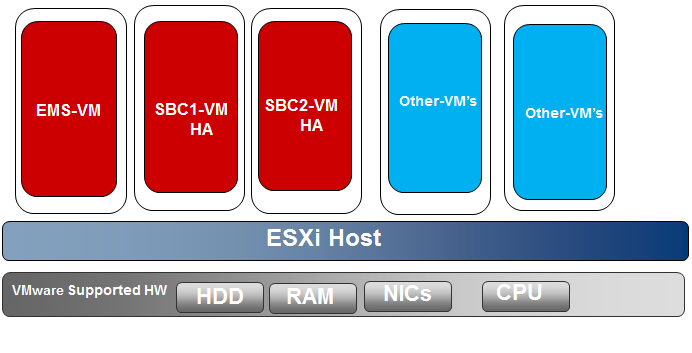
In a multiple server HA virtualized deployment, when there are multiple HA pairs and automatic IP addressing is being used on the HA link (M2), every HA pair should either have their own isolated vSwitch or each HA pair should use different IP addresses reachable with their HA pairs as stated previously for M2 connectivity.
Deploying on virtualized platforms
There are two ways you can deploy Avaya SBC on different virtualized platforms:
When using an ESXi server, you must use the Avaya SBC command line interface (CLI) to deploy the system. For more information, see
Deploying Avaya SBC using CLI
inDeploying and configuring EMS and Avaya SBC on VMware
in this document.When using vCenter and vSphere, you must use a template-based network configuration. For more information, see
Deploying Avaya SBC using vSphere desktop client and vSphere web client
inDeploying and configuring EMS and Avaya SBC on VMware
in this document.
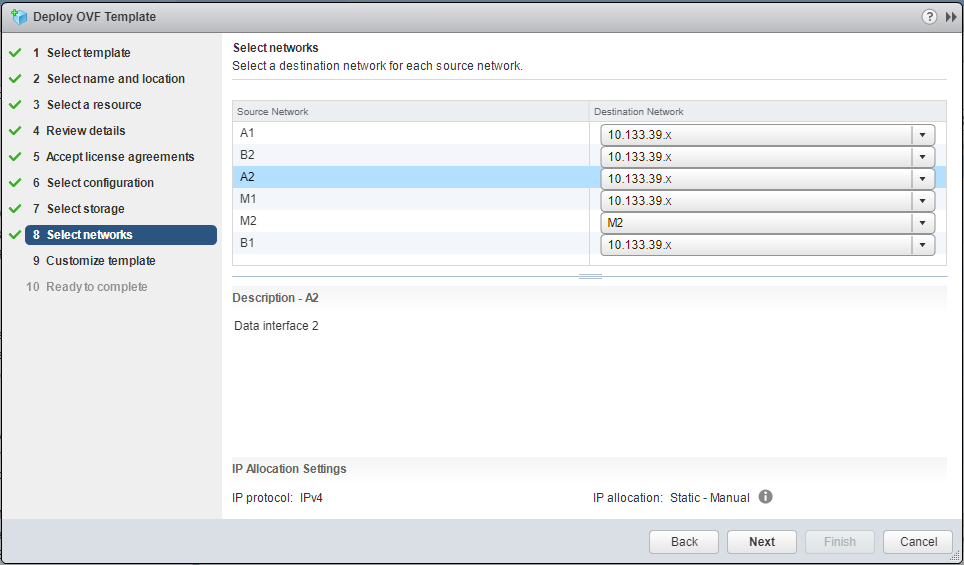
See the following example of a template for networking: