

AVAYA DOCUMENTATION CENTER
Find answers to your technical questions and learn how to use our products
Deploying Avaya Session Border Controller on ASP 130 R6.0.x (KVM on RHEL 8.10)
Post-configuration
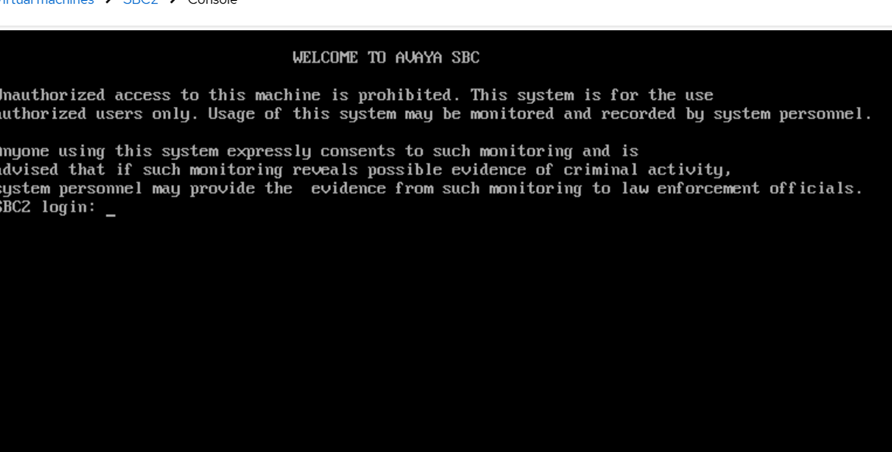
After the initial boot configuration is complete, Avaya Session Border Controller returns to the login screen. Perform the following post-configuration tasks:
Enable Secure Boot by registering the SBC Secure Boot key.
Apply optional hardening or management configurations based on your deployment requirements.
Secure Boot configuration
Apply Secure Boot only to SBCs or EMS+SBCs. By default, VMs created with UEFI firmware have Secure Boot enabled. The SBC bootloader/kernel must be signed with a key that the firmware of VM recognizes.