

AVAYA DOCUMENTATION CENTER
Find answers to your technical questions and learn how to use our products
Administering Avaya Experience Platform for supervisors
Image size-task
About this task
For Circular icon: outputclass=icon-circle; for screenshot, outputclass =screenshot; images added directly in the image element: Image change

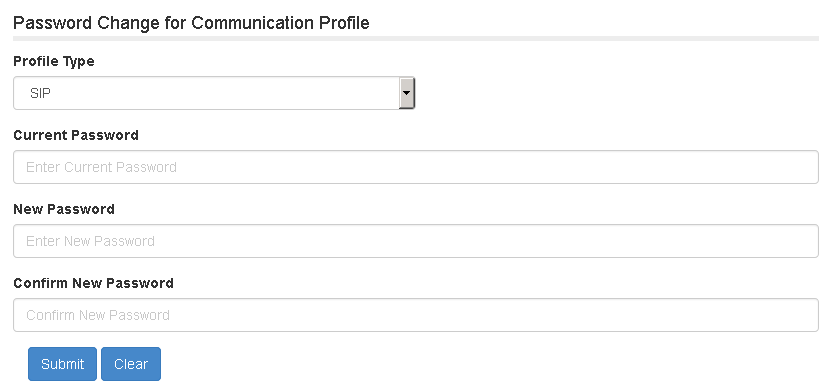
For Circular icon: width=50pt; for screenshot, width=100pt; images added directly in the image element:
Image added directly in image element, no size set:
Image inside p element:

Outputclass=iconsquare:
Procedure
- This graphic is 6 pt height: .
- This graphic is 7 pt height: .
- Image with width set in the step element.
Image in Step>Info>p element, with width= 50pt and 100pt respectively
Image in Step>info with width= 50pt and 100pt respectively
- Image with outputclass set in the step element.
Image in Step>Info>p element, with outputclass=icon-circle and outputclass =screenshot respectively
Image in Step>info with width= 50pt and 100pt respectively
- This graphic is 8 pt height: .
- This graphic is 9 pt height: .
- This graphic is 10 pt height: .
- This graphic is 11 pt height: .
11 pt in para inside choices
Image within info (info/image)
11 pt in para inside info :
- This graphic is 12 pt height: .
- This graphic is 13 pt height: .
- This graphic is 14 pt height: .
- This graphic is 15 pt height: .
- This graphic is 16 pt height: .
- This graphic is 17 pt height: .
- This graphic is 18 pt height: .
- No size set: .