AVAYA DOCUMENTATION CENTER
Find answers to your technical questions and learn how to use our products
Avaya Aura® Communication Manager Survivability Options
Translations
Translations are saved on the main server by executing the save translations command. You cannot save translations on a survivable core server. When logging into a survivable core server you receive a message stating that this server is a survivable core server and translations cannot be saved.
The main server keeps one complete copy of translations plus the differences between that copy and one previous copy. Each copy has an associated day and time (timestamp). If the translation timestamp of the survivable core server matches the timestamp of the main server’s current translations, no translation download occurs. If the timestamp of the survivable core server matches the timestamp of the main server’s previous copy, the main server sends only the differences to the survivable core server. If the timestamp of the survivable core server does not match either of the main server’s copies, then the main server sends the entire translation download to the survivable core server.
Translations are distributed from the main server to the survivable core server by executing the save translations ess or save translations all command. Executing this command requires network resources and should be performed when impact to the network is minimal. The survivable core server resets after it receives the translation download. The registration to the main server drops until the reset completes.
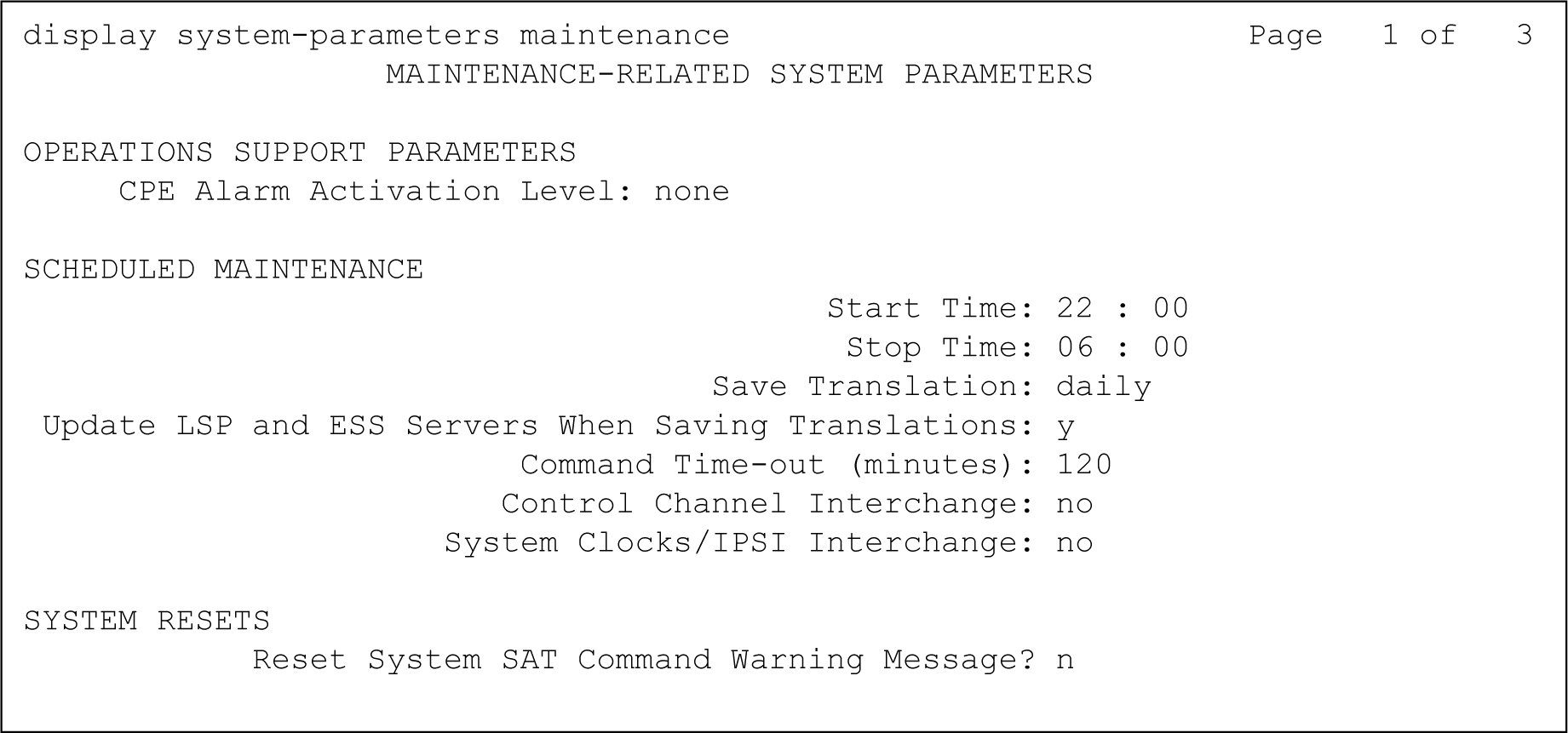
Saving translations, including sending the translations to the survivable core servers, can be performed during routine Communication Manager maintenance. Communication Manager scheduled maintenance is administered using the system-parameters maintenance command. For an example of the Maintenance-Related System Parameters screen, see the following figure.