AVAYA DOCUMENTATION CENTER
Find answers to your technical questions and learn how to use our products
Using the Avaya Vantage™ Device
Installing the K155 wireless module
About this task
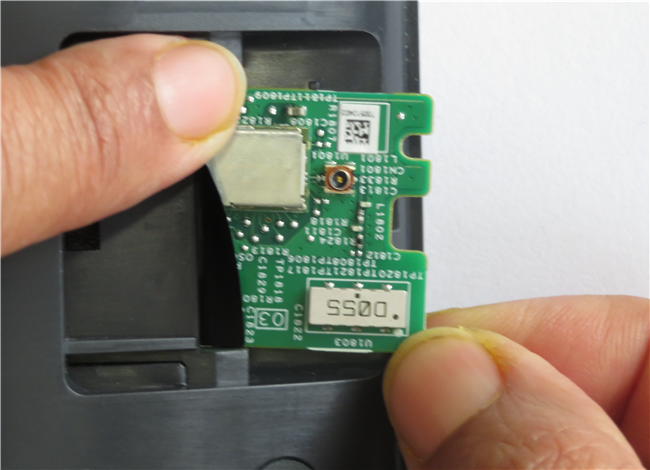
Use this procedure to install the wireless module on the K155 device for Wi-Fi and Bluetooth connectivity. The wireless module is an optional component and you can order this module separately.
This procedure is not applicable for the K165 and K175 devices.
Before you begin
Get a flat screwdriver that fits into the opening of the module panel.
Ensure that the K155 device is not connected to a power source.
Procedure
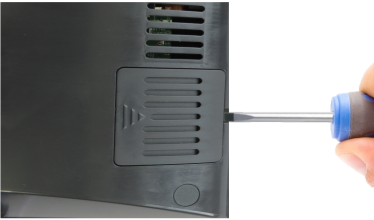
- Insert the screwdriver into the opening of the module panel to release the latch.
Do not pry open the panel.
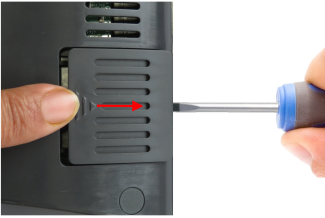
- To remove the module panel, slide the panel out in the direction of the arrow.
- Insert the wireless module into the slot.