AVAYA DOCUMENTATION CENTER
Find answers to your technical questions and learn how to use our products
IP Office Platform H.323 Telephone Installation
Setting the RTP Port Range
About this task
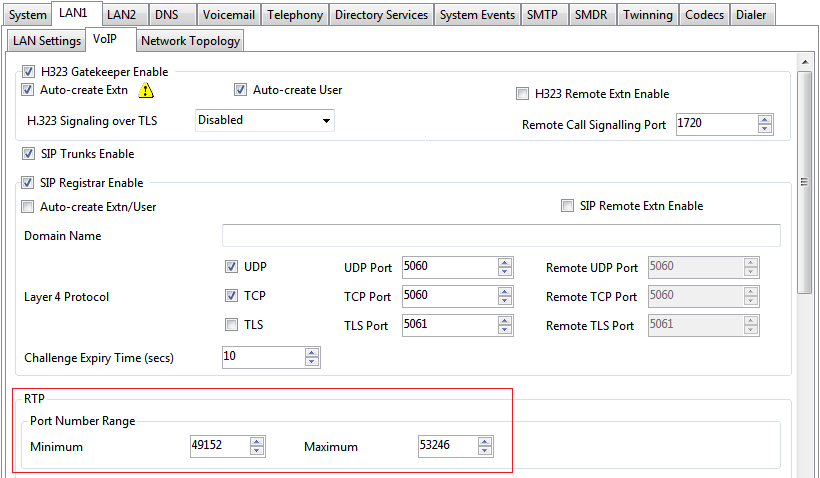
The ports used for H.323 VoIP calls vary for each call. The range for the ports used can be adjusted in order to avoid conflict with other services. If the customer has any internal firewalls or similar equipment that applies port filtering or only forwards traffic based on the port used, the range set here must be allowed by those devices.
For each VoIP call, receive ports are selected from the range defined below. Even numbers in the range are used for the calls incoming Real-Time Transport Protocol (RTP) traffic. The same calls Real-Time Transport Control Protocol (RTCP) traffic uses the RTP port number plus 1, that is the odd numbers.
It is recommended that only port numbers greater than or equal to 49152 but strictly less than 65535 are used, that being the range defined by the Internet Assigned Numbers Authority (IANA) for dynamic usage.
Procedure
- Select
 System
 - Select the VoIP sub-tab.