

AVAYA DOCUMENTATION CENTER
Find answers to your technical questions and learn how to use our products
Deploying MS Teams Direct Routing with IP Office
Upload the SIGMA Scripts
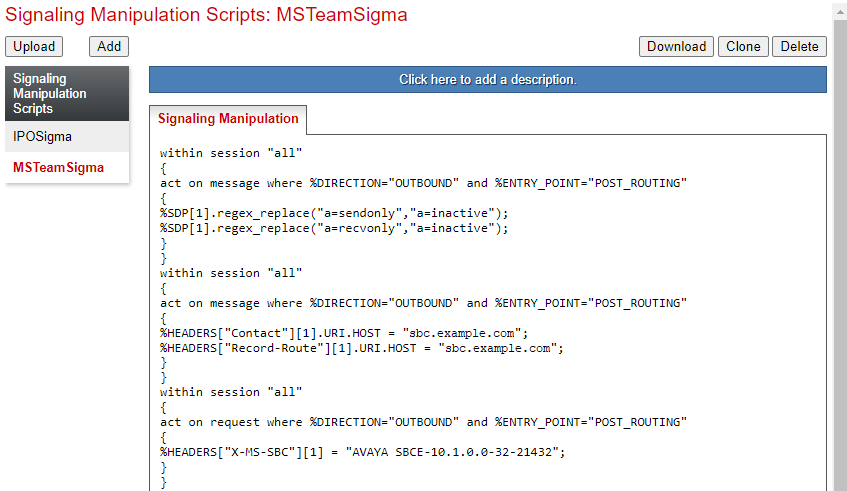
Upload the two SIGMA script files to the ASBCE.
Before you begin
Procedure
- Click Upload.
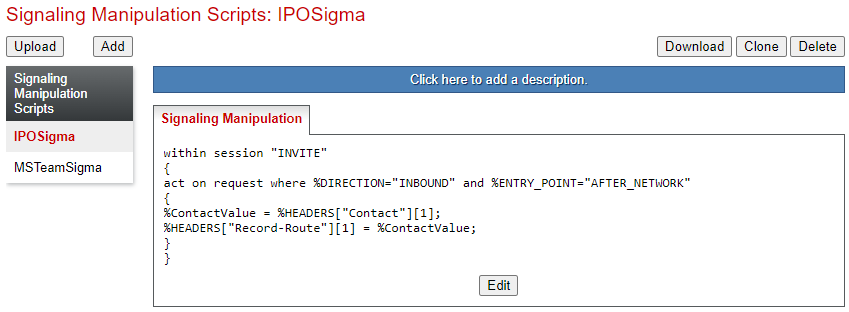
- Click Upload again and select the SIGMA file created for MS Teams.
Next Steps
Proceed to Obtain the ASBCE Certificates.