This section covers the procedures to boot each server type.
Note:
The procedures for booting servers with a USB flash device is applicable to USB based DVD drivers as well.
Caution:
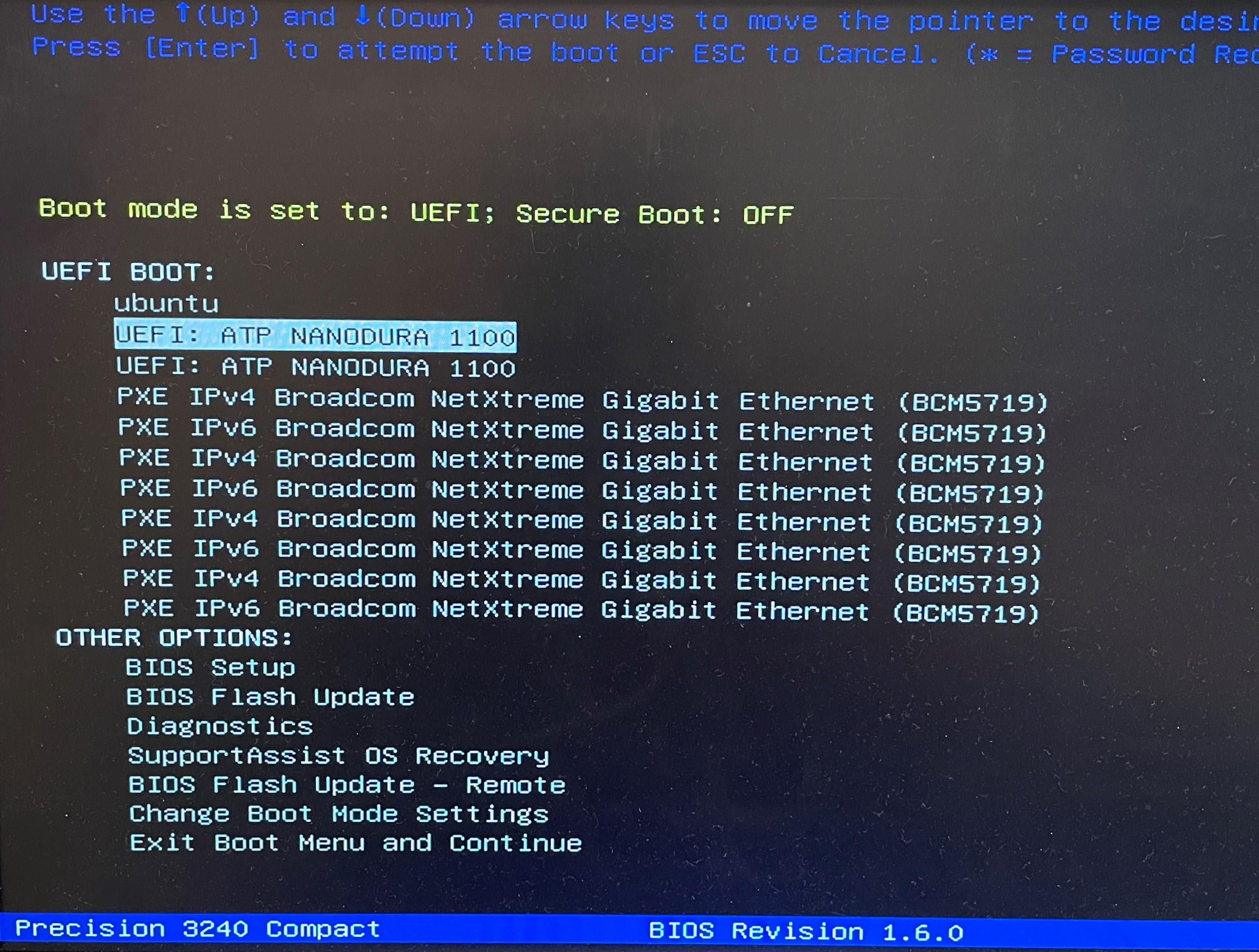
Make sure you are selecting the second UEFI boot option displayed on screen. By default, the first option is selected which runs the legacy boot. Using the first option for booting will not go through. You may have to re-run the booting process by selecting the second UEFI option. See the screen
Figure: Boot USB displays two USBs
Note:
No CDROM support for Dell R360 and Dell R660 servers. Only USB stick supported for installation.