

AVAYA DOCUMENTATION CENTER
Find answers to your technical questions and learn how to use our products
IP Office Platform H.323 Telephone Installation
Using Embedded File Manager to Check/Upload Files
Embedded file manager allows you to remote see the files on the memory card used by the telephone system. It also allows you to upload new files.
- In IP Office Manager, select .
STEP RESULT:The Select IP Office menu is displayed.
- Select the telephone system and click OK.
- Enter the name and password for the system.
STEP RESULT:The contents of the memory card are displayed.
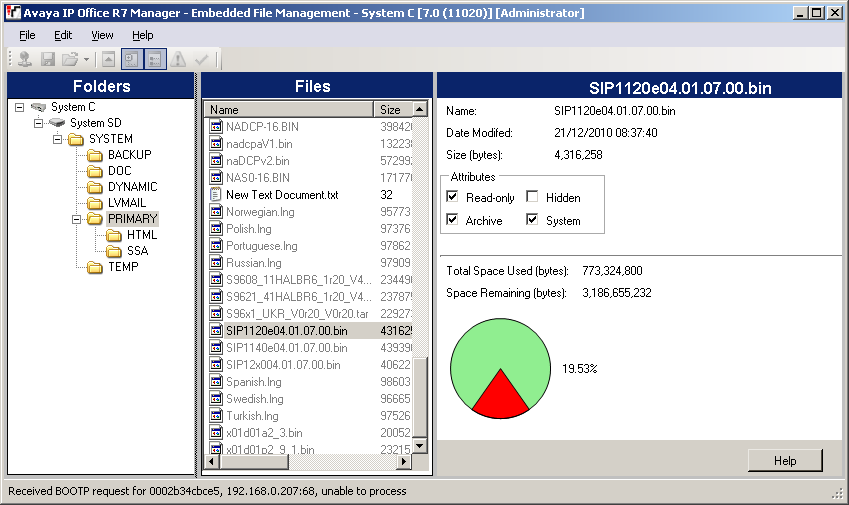
- Do one of the following:
-
For IP500 V2 go to .
-
For IP Office Server Edition go to
-
- To copy the files do any of the following:
-
Drag from PRIMARY and drop on memory card.
-
Go to and select the file to copy.
STEP RESULT:The source files can be found on the IP Office Manager PC in C:\Program Files\Avaya\IPOffice\Manager\memory Cards\Common\system\primary. -