

AVAYA DOCUMENTATION CENTER
Find answers to your technical questions and learn how to use our products
Administering Network Connectivity on Avaya Aura® Communication Manager
Status of interregion usage
You can check the status of bandwidth usage between network regions with the following commands:
status ip-network-region n, where n is the network region number
status ip-network-region n/m
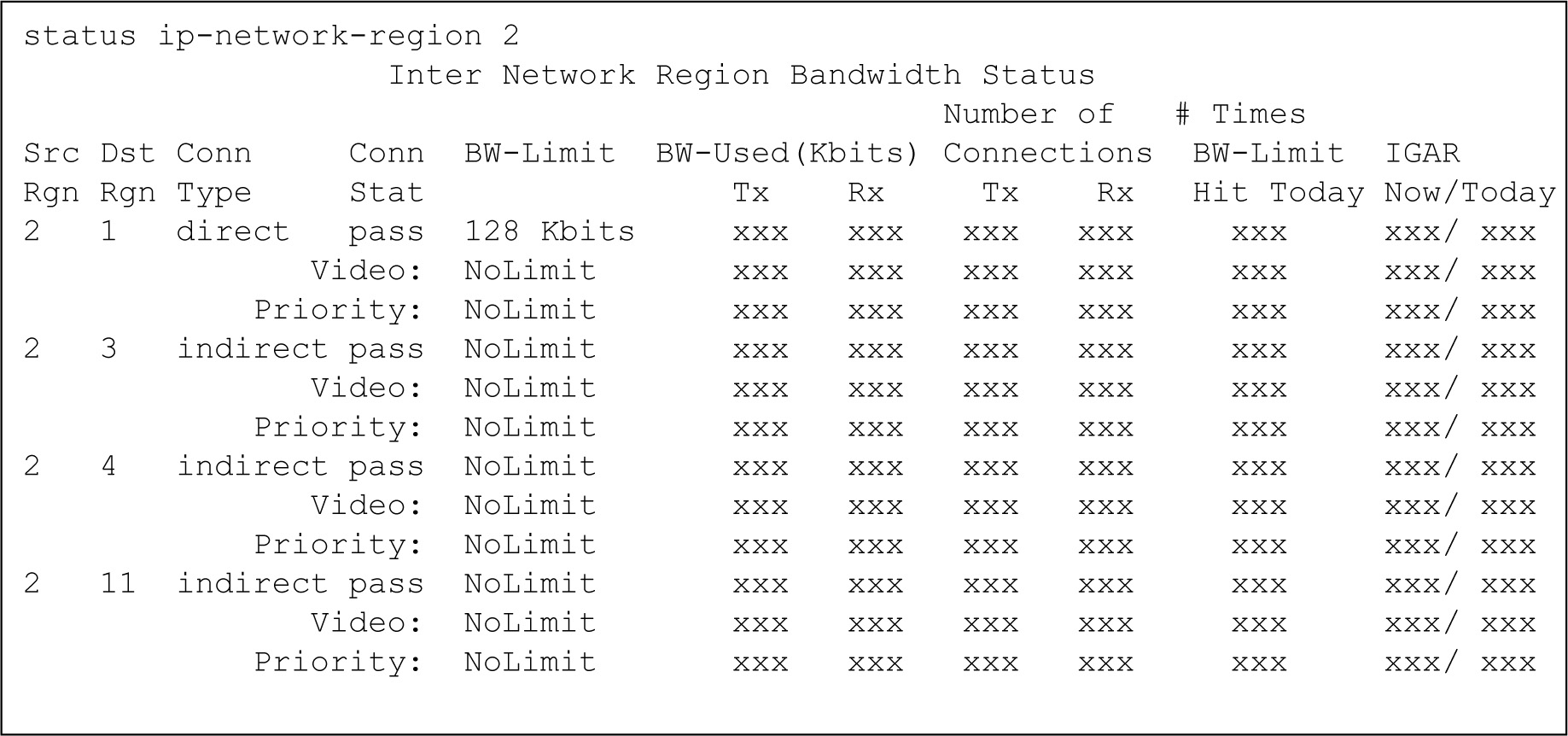
With the status ip-network-region n command, the system displays the Inter Network Region Bandwidth Status screen.
Note:
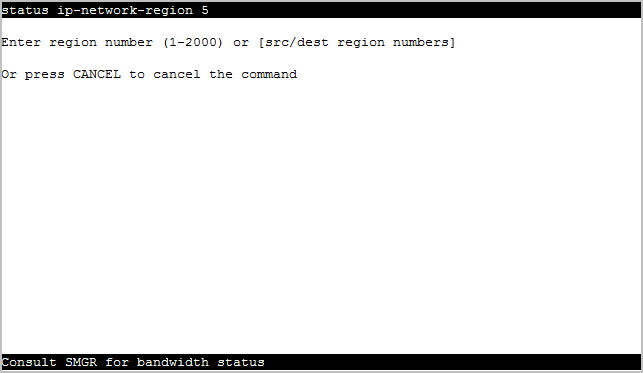
If you set the BW Management Option field to shared-SM, you cannot run this command. The system displays the message: Consult SMGR for bandwidth status.
When you run the status ip-network-region n command, the connection status, bandwidth limits, and bandwidth usage is displayed for all regions directly connected to n. For regions indirectly connected to n, only the connection status is displayed. If regions n and m are indirectly connected, using n/m, the command displays the connection status, bandwidth limits, and bandwidth usage for each intermediate connection.
The IGAR Now/Today column on the Inter Network Region Bandwidth Status screen displays the number of times IGAR is used for a network region pair.
Following is the screenshot of the screen when you set the BW Management Option field to shared-SM.
The numbers in the column titled IGAR Now/Today indicate the following :
The first number displays the number of active IGAR connections for the pair of network regions at the time the command is invoked. This number is up to 3 digits long or 999.
The second number displays the number of times IGAR is used for the pair of network region since the previous midnight. This number is up to 3 digits long or 999.