

AVAYA DOCUMENTATION CENTER
Find answers to your technical questions and learn how to use our products
Administering Avaya Breeze® platform
Creating a new LDAP Client
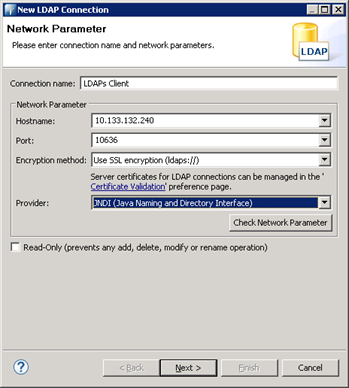
- On Apache Directory Studio, in the LDAP menu, click New Connection and enter the required information.
ADDITIONAL INFORMATION:
- Add the CA certificate and click Next.
ADDITIONAL INFORMATION:
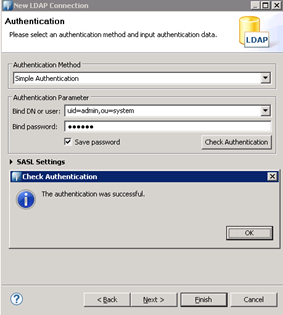
- Enter the following information, and click Check Authentication.
ADDITIONAL INFORMATION:
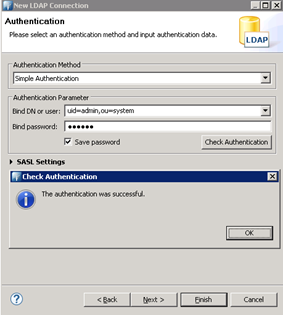
- Click Finish.