AVAYA DOCUMENTATION CENTER
Find answers to your technical questions and learn how to use our products
Administering Avaya Breeze® platform
Creating LDAP users
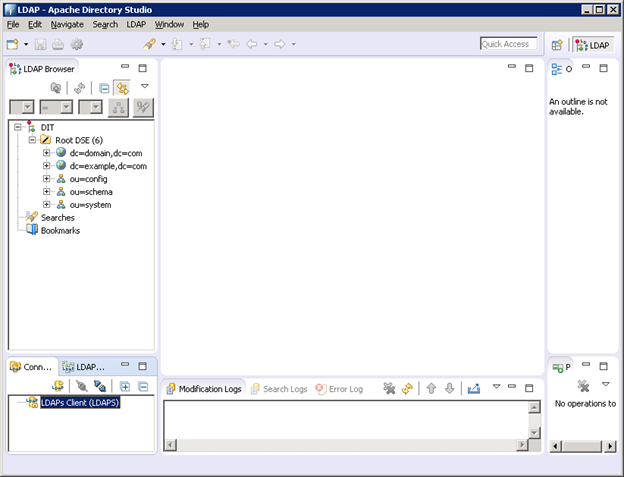
- On Apache Directory Studio, go to the Connections view toolbar and double-click the LDAP connection.
ADDITIONAL INFORMATION:
- Create an LDIF file with the following details:
ADDITIONAL INFORMATION:
dn: ou=people,dc=domain,dc=com
 objectClass: top
 objectClass: organizationalUnit
 ou: people


 dn: uid=testuser,ou=people,dc=domain,dc=com
 objectClass: top
 objectClass: inetOrgPerson
 objectClass: person
 objectClass: organizationalPerson
 cn: testuser
 description: testuser
 givenName: testuser
 mail: testuser@domain.com
 sn: test
 uid: testuser
userPassword: 123456 - Select dc=domain, dc=com.
- Click .
- Right click on partition to import the above created ldif file from .
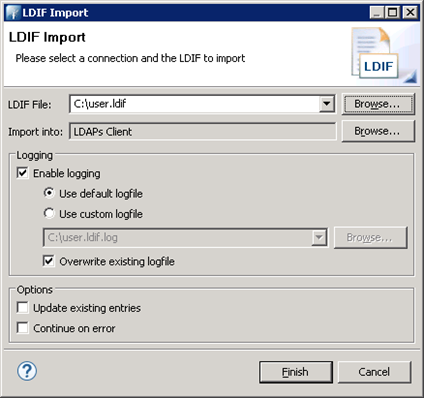
- Provide the LDIF file path and click Finish.
ADDITIONAL INFORMATION:
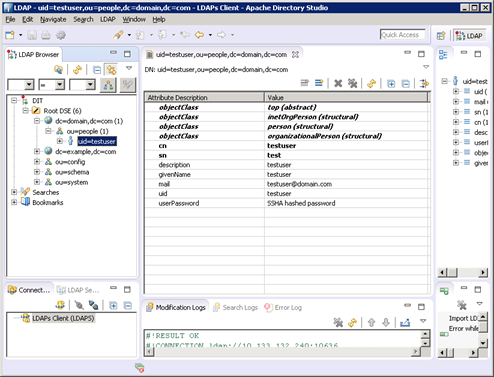
 This will create the test under your partition/domain.