

AVAYA DOCUMENTATION CENTER
Find answers to your technical questions and learn how to use our products
IP Office SIP Telephone Installation Notes
Using manager to upload files
Embedded file manager allows you to remotely see the files on the memory card used by the telephone system. It also allows you to upload new files.
- In IP Office Manager, select .
- The Select IP Office menu is displayed. Select the telephone system and click OK.
- Enter the name and password for the system. These are the same as used for configuring the system. The contents of the memory card are displayed.
ADDITIONAL INFORMATION:
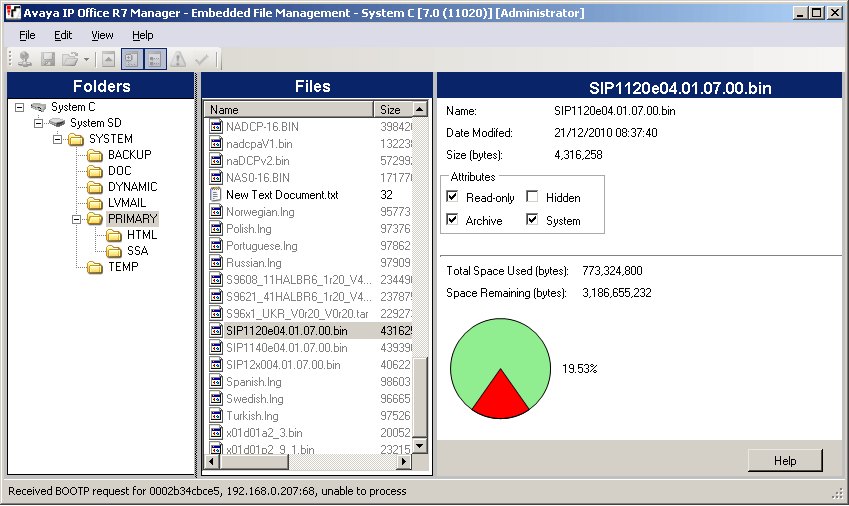
- For an IP500 V2, use the folder tree to navigate to System SD/SYSTEM/PRIMARY. For a IP Office Server Edition system, use the folder tree to navigate to /system/primary.
- Individual files can be copied onto the card by using drag and drop or by selecting . The whole set of phone firmware files that IP Office Manager has available can be copied by selecting .