

AVAYA DOCUMENTATION CENTER
Find answers to your technical questions and learn how to use our products
IP Office SIP Telephone Installation Notes
Changing the system's DHCP settings
- Using either IP Office Manager or IP Office Web Manager in offline mode, load the system configuration.
- Select or .
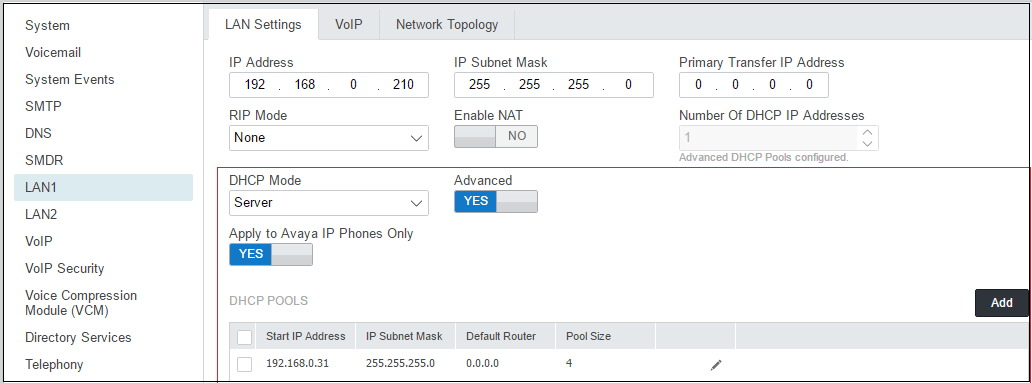
- Select LAN1 or LAN2 as required.
- Select the LAN Settings tab.
ADDITIONAL INFORMATION:
- If the settings have been changed, save the configuration back to the system.