

AVAYA DOCUMENTATION CENTER
Find answers to your technical questions and learn how to use our products
Avaya CMS Supervisor Report Designer
Report
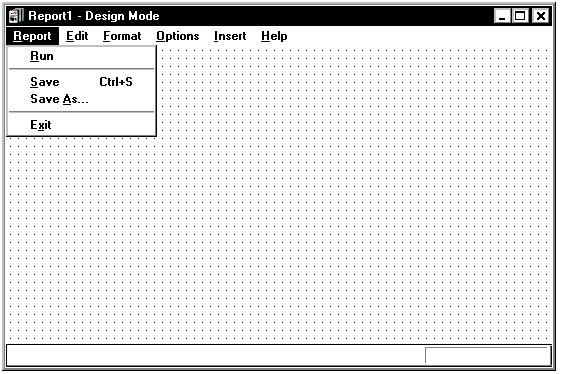
The following is a description of the Report menu.
Name |
Description |
|---|---|
Run |
Takes you out of design mode and runs your report. You will use Run to test the changes or additions you have made to a report. |
Save |
Saves your report. |
Save As |
Saves your report with a new name or with the current name. When you save the report, you get the following options for Tenant Access to Report:
|
Exit |
Closes Report Designer without saving your changes and additions. You are prompted to save any changes you made. |