AVAYA DOCUMENTATION CENTER
Find answers to your technical questions and learn how to use our products
Avaya CMS Supervisor Report Designer
Starting Report Designer
Before you begin
To access Report Designer and to run Designer reports, you must have read and write permissions assigned for Custom Reports. These permissions are set with the User Permissions tool.
About this task
For more information about user permissions, see Administering Avaya Call Management System.
Procedure
- Select a report from the Designer category in any folder and select Edit on the Report Selector window.
- Select New on the Report Selector window to create a new report.
- Run a report and then select Design from the Report menu on the report.
- Enter Report Designer from the final page of the Report Wizard.
Result
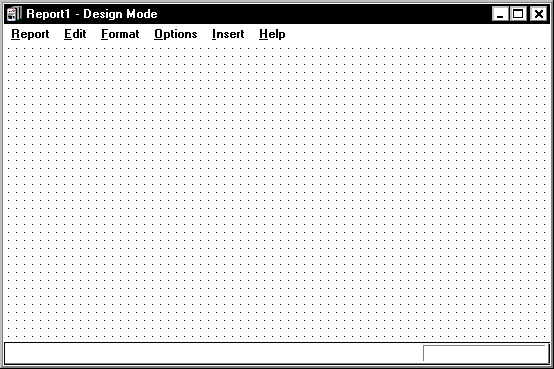
You can use any method to start Report Designer and go to the Design Mode window. The window will be blank if you want to create a new report or will have report information if you want to edit an existing report.