AVAYA DOCUMENTATION CENTER
Find answers to your technical questions and learn how to use our products
Avaya CMS Supervisor Report Designer
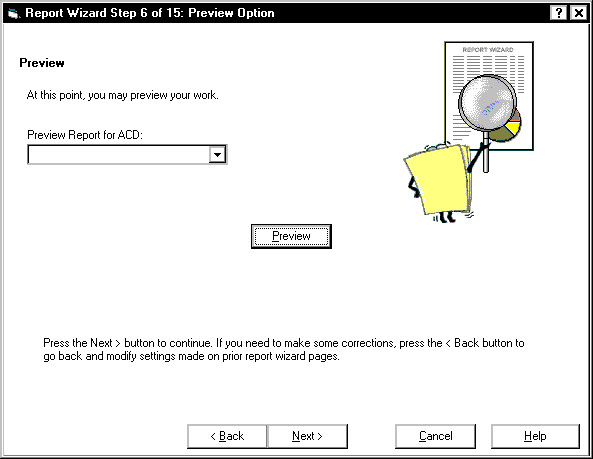
The Preview Option page
The Preview Option page allows you to preview what you have defined for your report and exit the preview. You can use Back to modify the report section.
A previewed version of a report contains real data for each completed section; however, if the report is designated as real-time, then there will be no refresh of data. The only option while in a previewed version of a report is to exit the preview.
Example