

AVAYA DOCUMENTATION CENTER
Find answers to your technical questions and learn how to use our products
Using IP Office System Status
System Hardware Details
Path:
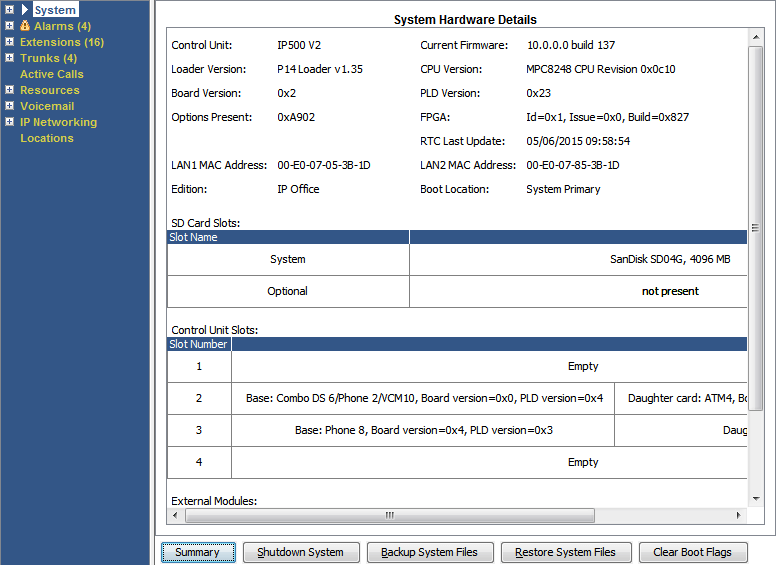
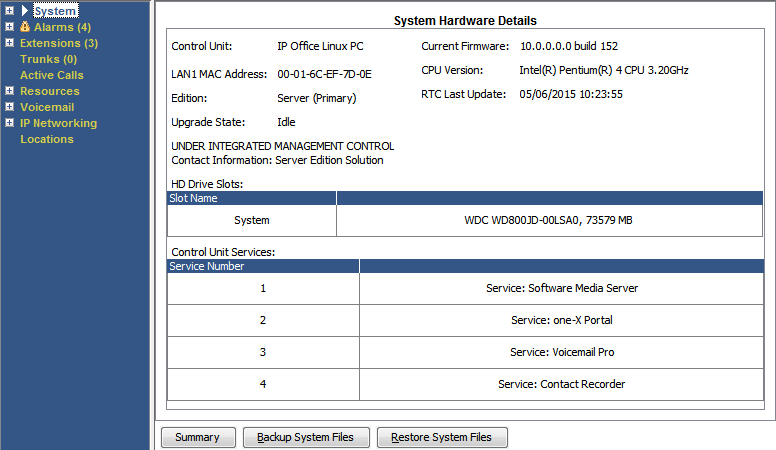
Buttons
The following buttons can appear on this screen:
|
Button
|
Description
|
|---|---|
|
Summary
|
Return to the System Hardware Summary menu. See System.
|
|
Shutdown System
|
Shutdown the system either for a period of time after which it automatically restarts or until manually restarted.
|
|
Backup System Files
|
Backup the files in the systems /primary folder to the /backup folder.
|
|
Clear Boot Flags
|
IP500 V2 only. During system booting various flags are set indicating from which source the system booted, etc. Occasionally it may be required to clear those flags.
|