AVAYA DOCUMENTATION CENTER
Find answers to your technical questions and learn how to use our products
Installing the Avaya Solutions Platform 130 Series
Connecting power
About this task
Use this procedure to connect power to the system.
Note:
A region-specific power cable is shipped separately from the server package based on what was entered in the Configurator Tool.
Before you begin
Ensure the system has been installed and secured before you attach power cables. Ensure you have take precautions against electrostatic discharge before you begin. See the following sections for more information:
Procedure
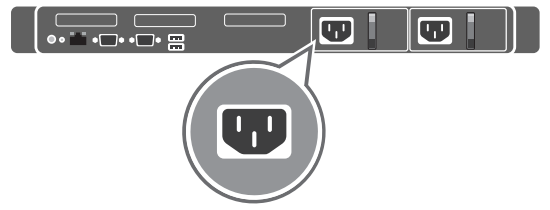
- Connect the system to the appropriate power source.
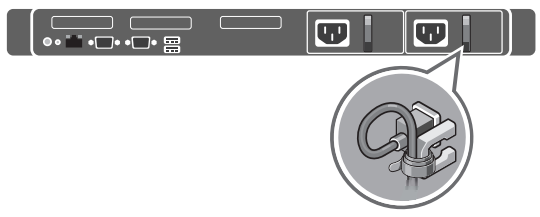
- Loop and secure the power cable using the retention strap.
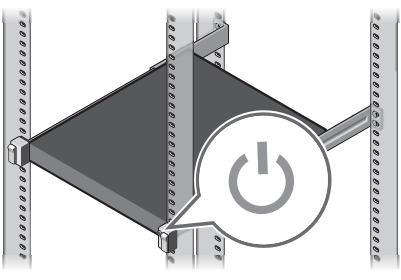
- Power on the system.
The following image shows the location of the power button.