

AVAYA DOCUMENTATION CENTER
Find answers to your technical questions and learn how to use our products
Avaya CMS Supervisor Report Designer
Data tab
Use the Data tab to add, remove, or rearrange data items in the chart. The available data items are the data items that are specified in the query that this chart uses.
Example
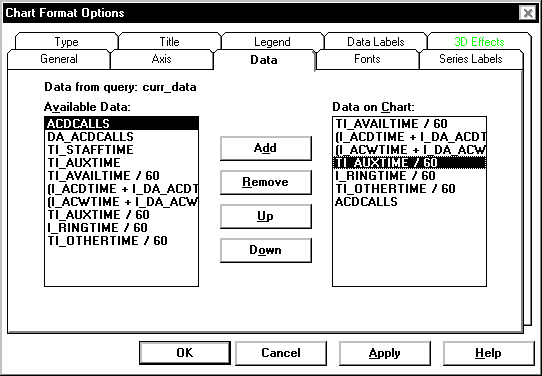
Data tab options
You can change the following chart parameters.
Name |
Description |
|---|---|
Available Data |
Lists all of the data items that are available, based on the query you used for the chart or table. |
Data on Chart |
Displays the data items that are currently used in the chart. |