

AVAYA DOCUMENTATION CENTER
Find answers to your technical questions and learn how to use our products
Avaya CMS Supervisor Report Designer
Title tab
Use the Title tab to control the location of the chart title.
Example
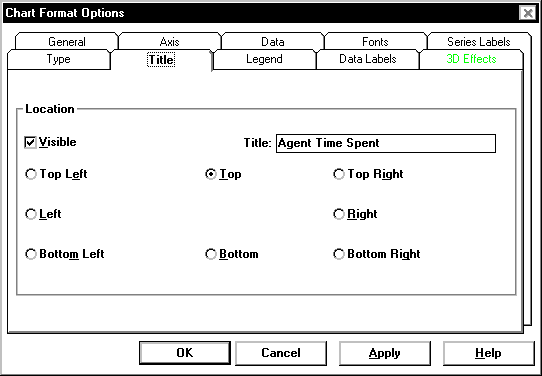
Title tab options
The following options are available on the Title tab.
Name |
Description |
|---|---|
Visible check box |
Allows you to display or not to display the report titles. |
Location |
If you elect to have report titles visible, you can select where the titles are displayed. The available options are Top Left, Top (center), Top Right, Left, Right, Bottom Left, Bottom (center), and Bottom Left. |
Since the title takes up space, the drawn chart will be smaller if you have selected the Visible check box. To increase the size of the chart, do not select the Visible check box or maximize the report window.