

AVAYA DOCUMENTATION CENTER
Find answers to your technical questions and learn how to use our products
Deploying and Upgrading Avaya G430 Branch Gateway
Inserting a VoIP module
About this task
Electrostatic discharge alert
Hold modules only by the edges to avoid damage from static electricity. Do not touch the top or bottom of the circuit board. If possible, wear a wrist-strap and use an anti-static bag.
Caution:
The connector pins can be bent or damaged if the module is handled roughly, or if misaligned and then forced into position.
Procedure
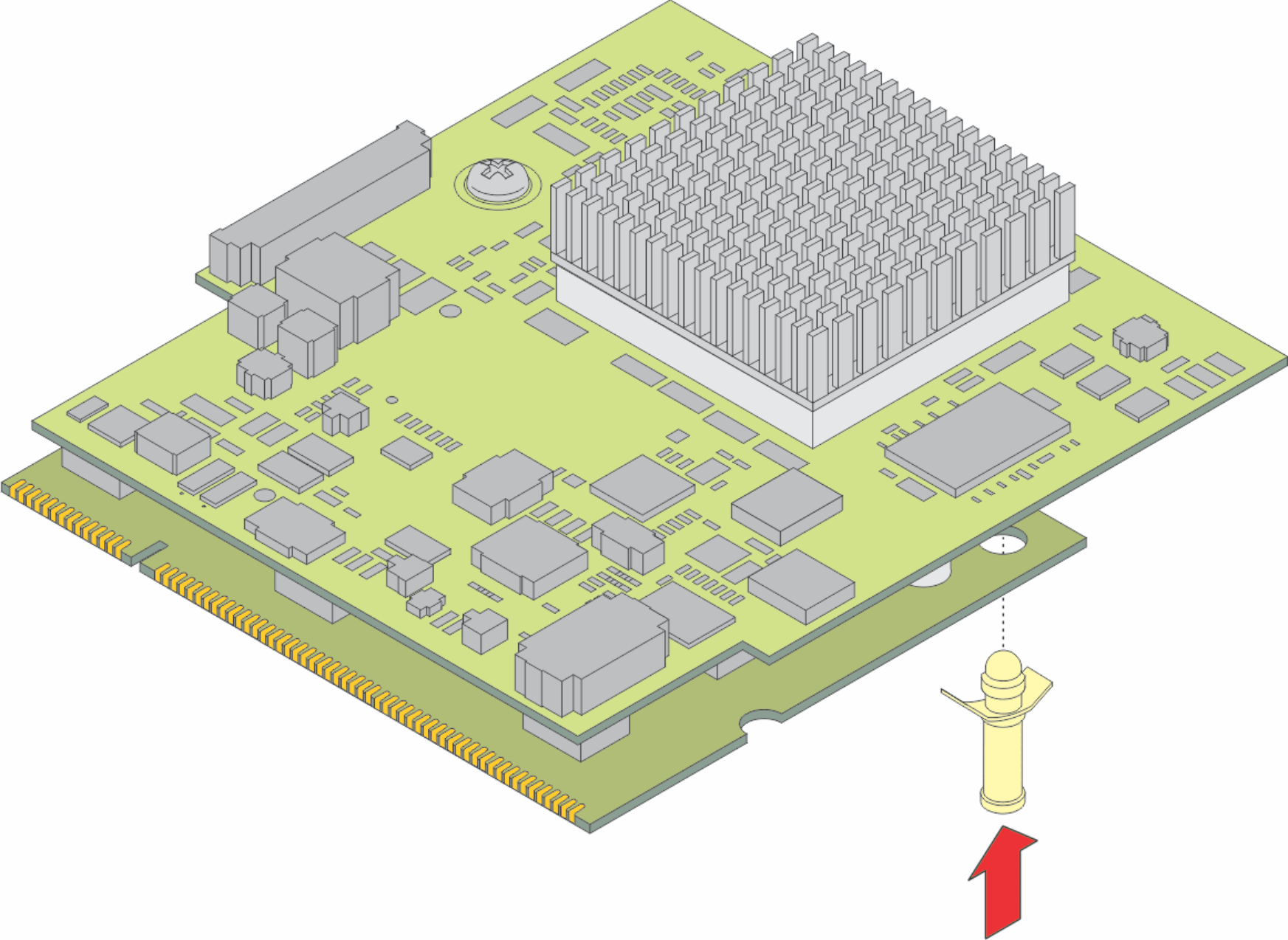
- The lower board for the MP120 has a plastic standoff. Insert the plastic standoff to MP120.
Note:
This step is applicable only for MP120 installation.
Figure : 1. Insert plastic standoff
- Position the VoIP module at a 45 degree angle to the main board, and start inserting it into the VoIP module slot (see the figure).
Figure : 2. Inserting a VoIP module into the VoIP module slot 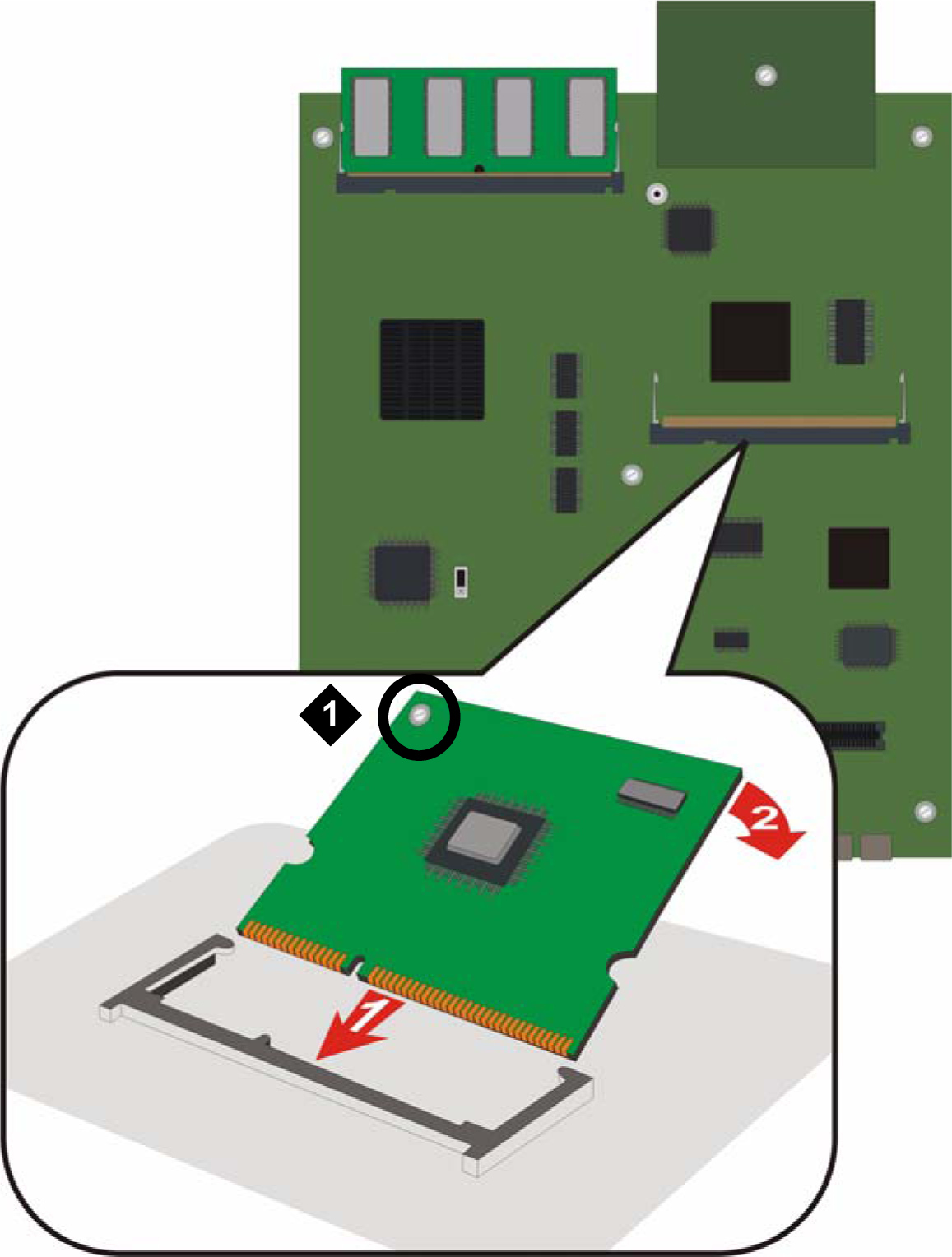
Table 1: Figure notes: VoIP module locking screw