Mounting the Branch Gateway on a wall

Last Updated : Feb 07, 2022 |

About this task

You can only mount G430 Branch Gateway on a wall if you do not attach any EM200 modules to it.

Procedure

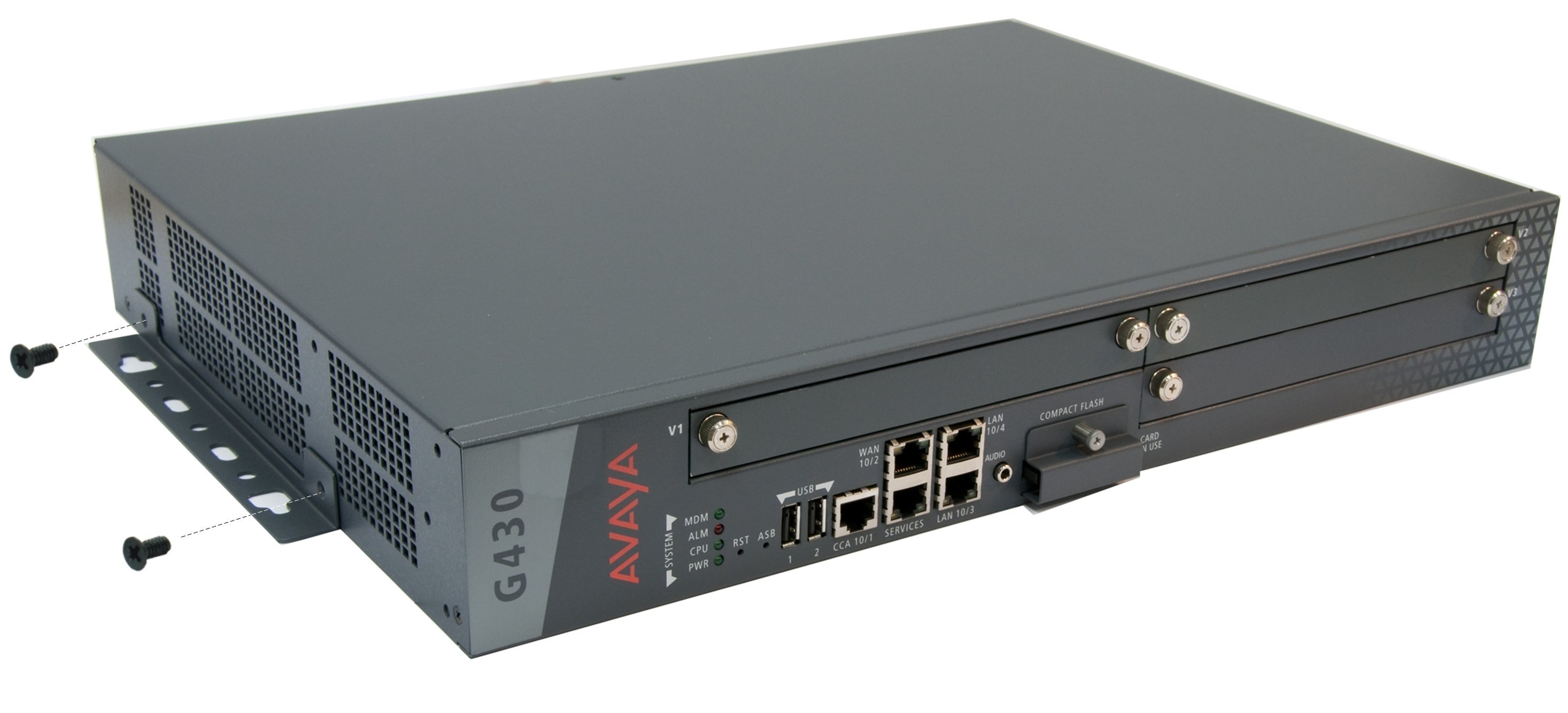
  1. Attach a wall mounting bracket to each side of the Branch Gateway, as shown in the following image.


  2. Mark the plywood with the location of the Branch Gateway bracket screw holes before fastening the plywood to the wall.
  3. Place the Branch Gateway with its front panel facing up.
  4. Secure the Branch Gateway to the plywood with screws.