

AVAYA DOCUMENTATION CENTER
Find answers to your technical questions and learn how to use our products
Deploying and Upgrading Avaya G430 Branch Gateway
Installing media modules
About this task
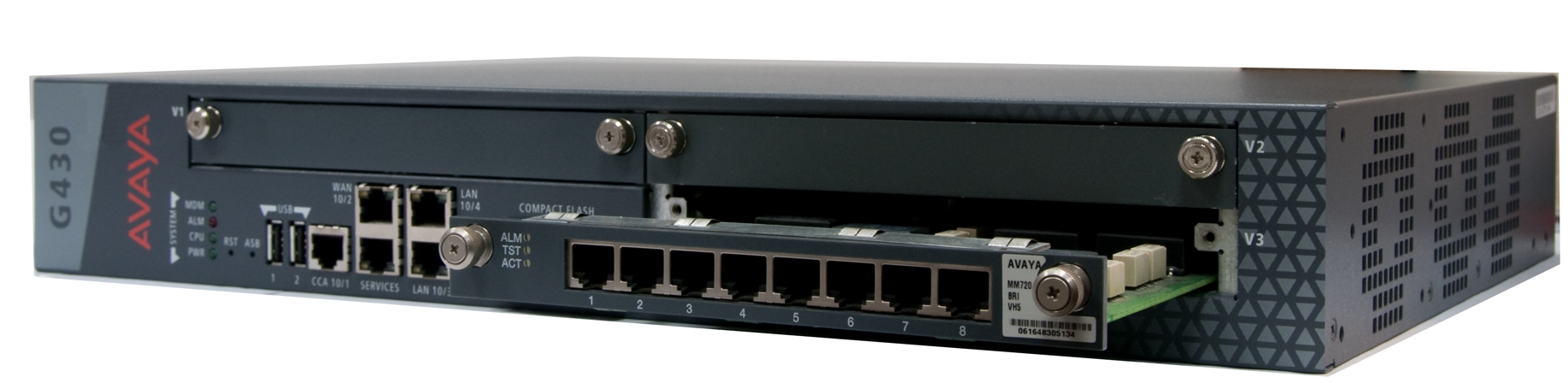
After you instal an S8300 Server module, if applicable, install media modules. Make sure to insert each module in the corresponding slot.
Procedure
- Slide the module slowly into the chassis, maintaining even pressure to ensure that the module does not get twisted or disengaged from the guides.
Next Steps
After you connect the phones to the various media modules, add circuit protection to the lines.