מרכז התיעוד של AVAYA
מצא תשובות לשאלות הטכניות שלך ולמד כיצד להשתמש במוצרים שלנו
Using Analytics for Avaya Experience Platform™ Public Cloud
Interactive dossiers
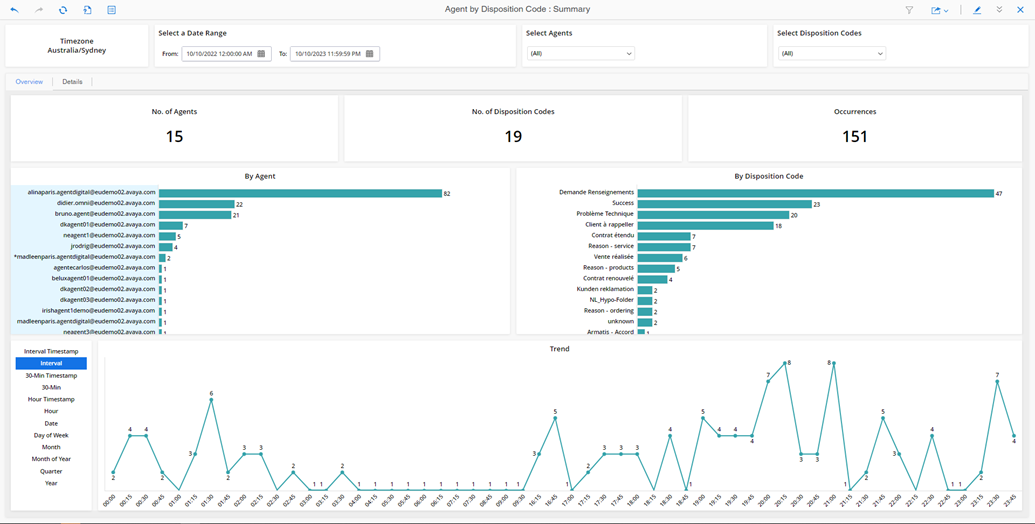
Several dossiers offer an interactive experience, such as the Queue Performance, Agent by Queue Performance, Agent by Disposition Code, and Emergency Calls dossiers. When you run a dossier, you can click sections to display data of interest. The exact selections vary across the suite of dossiers. For example, if a dossier displays an aggregate total for all channels, you can display data only for voice, email, messaging, or chat. In addition, for tables, you can add or remove columns to view them. Dossiers contain additional filters where you can select from a series of filters, such as date range, agents, and disposition codes. All updates are immediately applied.