Find answers to your technical questions and learn how to use our products
Search suggestions:
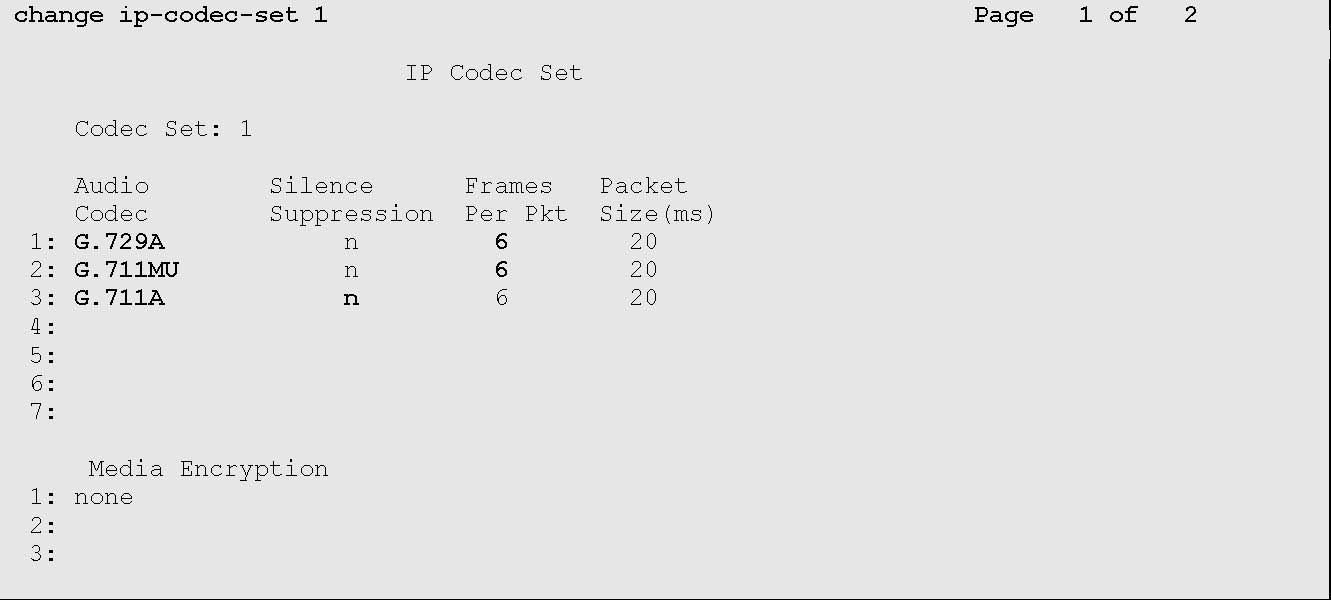
change ip-codec-set n
The system displays the codec set screen.
Audio Codec
Frames Per Packet
G.729A
Avaya Contact Recorder uses G.729A recording format in the test configuration.
6
G.711MU
The IP Codec Set screen displays similar to the one provided below:
Previous Topic
Next Topic