Find answers to your technical questions and learn how to use our products
Search suggestions:
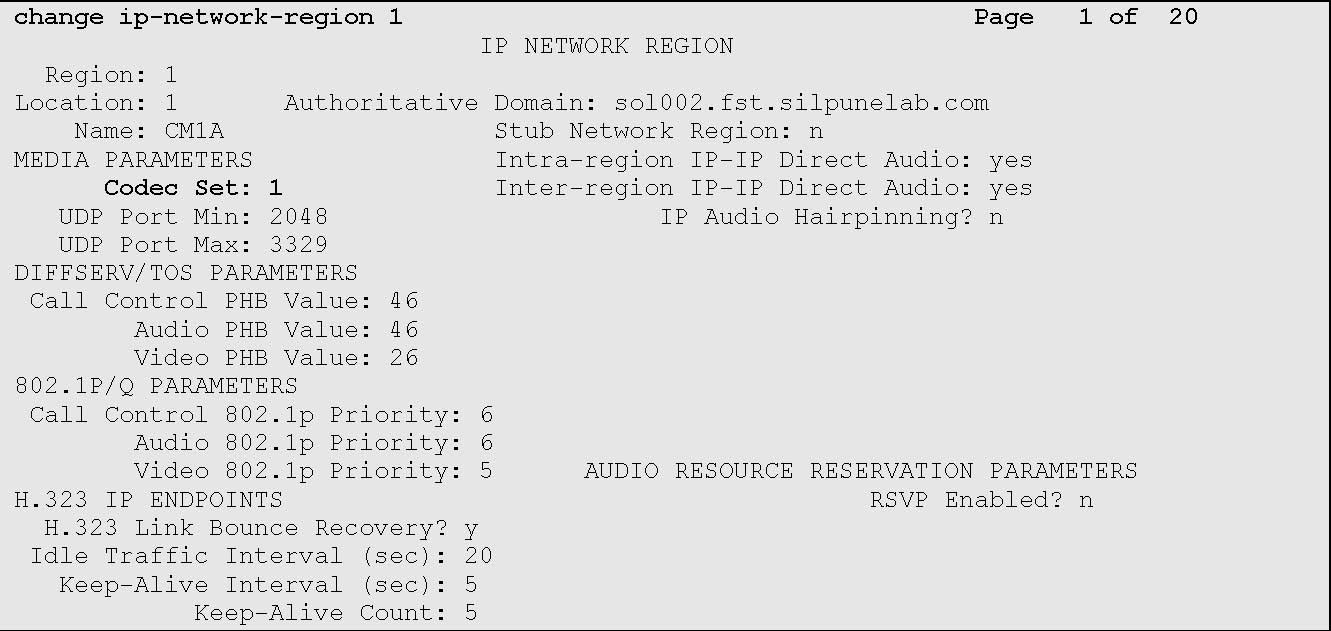
Configure the network region for the virtual IP softphones.
change ip-network-region n
The system displays the IP Network Region Link screen.
The IP NETWORK REGION screen displays similar to the one provided below:
Previous Topic
Next Topic