AVAYA DOCUMENTATION CENTER
Find answers to your technical questions and learn how to use our products
Implementing and Administering Avaya Aura® Media Server
Reviewing a monitored SDR
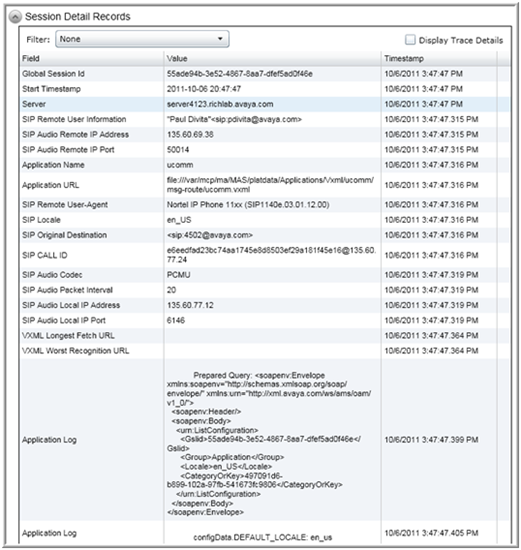
A session which is traced using the session monitoring procedure produces a more detailed SDR. The SDR browser shows additional information for these monitored sessions which includes:
-
Detailed SIP and application log records.
-
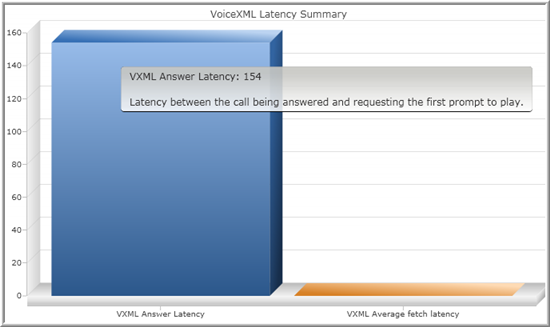
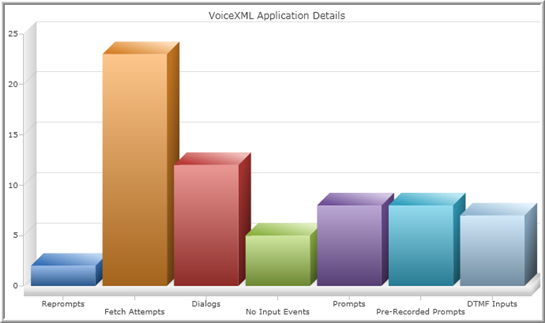
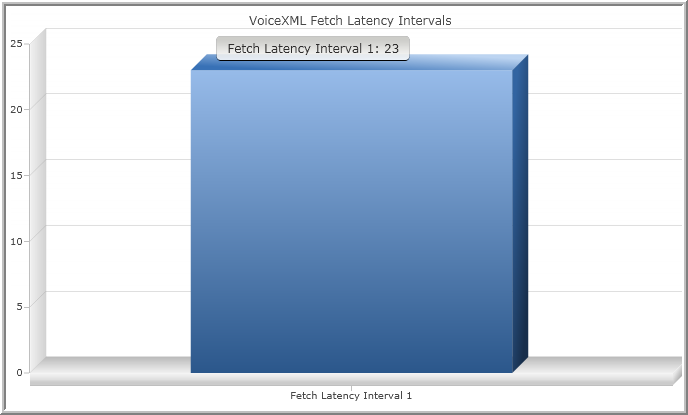
Operational measurement graphs specific to the session.
-
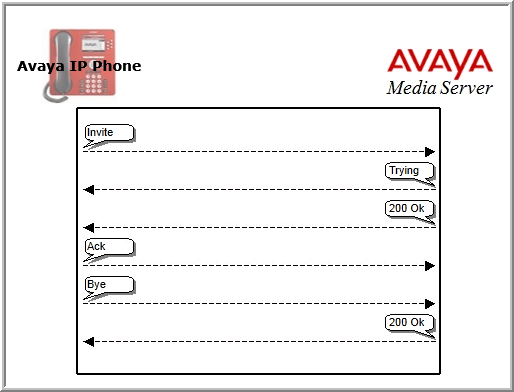
A graphical SIP message flow.
Perform the following procedure to review the detailed SDR of a monitored session.
Before you begin
See Viewing details for a specific session to add a detailed SDR to the archive and then perform the following procedure:
- Navigate to .
- Select Browse Records In Date Range as the query type, from the Type drop-down menu.
- Use the Start and the End options in the Query panel to define a narrow time range for the query which includes the monitored session.
- In the Limit field, enter the maximum number of results that you want to view.
- Click Execute to run the query.
STEP RESULT:The system displays the list of sessions corresponding to the monitored session.
- Click the result row in the list of sessions.
- Scroll down to review the details of the session as shown in the following examples.
ADDITIONAL INFORMATION:
 ADDITIONAL INFORMATION:
 ADDITIONAL INFORMATION:
 ADDITIONAL INFORMATION:
 ADDITIONAL INFORMATION: