AVAYA DOCUMENTATION CENTER
Find answers to your technical questions and learn how to use our products
Implementing and Administering Avaya Aura® Media Server
Reviewing SDRs
Perform the following procedure to filter and review the details of any sessions archived by the media server:
- Navigate to .
ADDITIONAL INFORMATION:
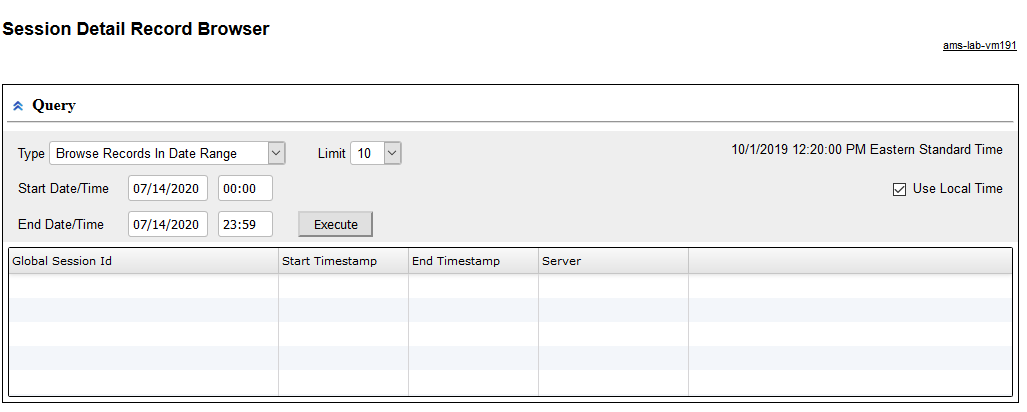
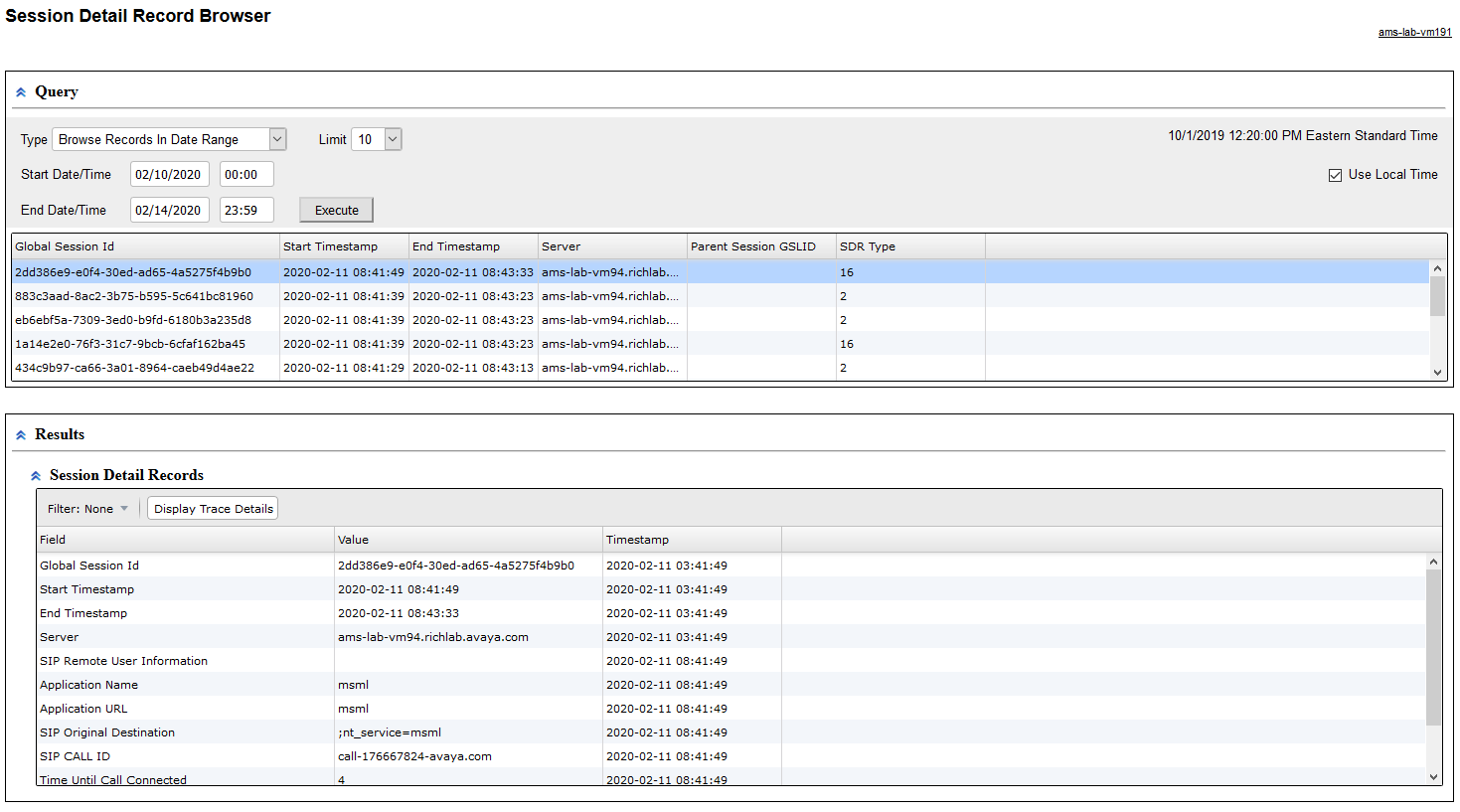
- Select Browse Records In Date Range query type from the Type drop-down menu.
- To define a time range for the query, use the Start and the End options in the Query panel.
- Enter the maximum number of results in the Limit field.
- Click Execute to run the query.
STEP RESULT:The system displays the list of sessions.
- Click one of the rows in the list of sessions.
- Scroll down to review the details of that session in the Session Detail Records panel.
ADDITIONAL INFORMATION: