

AVAYA DOCUMENTATION CENTER
Find answers to your technical questions and learn how to use our products
Using IP Office SoftConsole
Entering door names
You must enter door names before you can use the console to control a door attached to the telephone system.
- Click
 Preferences.
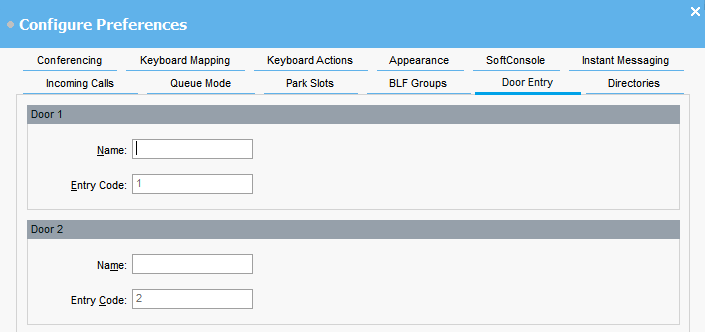
 - Select Door Entry.
- In Name, type the name that you want to use for the door.
For example, you might enter the name Loading Bay for a door to a loading bay.ADDITIONAL INFORMATION:The Entry Code for each door name is pre-populated with 1 or 2. The number indicates the door relay to activate. You cannot change entry codes.
- Click OK to save your change.
Result
You can now open a door from . You can then select the appropriate door name from the menu.