

AVAYA DOCUMENTATION CENTER
Find answers to your technical questions and learn how to use our products
Using IP Office SoftConsole
Adding call tag text
A short text string can added to any call. This feature is called call tagging. The text remains with the call when it is transferred and appears on the display of internal phones receiving the call. The text is also recorded within the call history.
Using the console, you can add a call tag when making or transferring a call. In addition, using the process below, you can add a call tag while connect to the call.
- When making or transferring a call, click or press F11.
STEP RESULT:
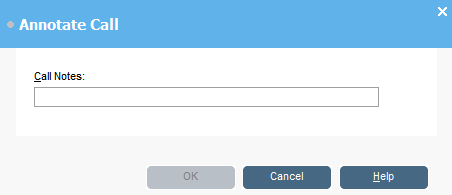
- Enter notes in the Call Notes field.
ADDITIONAL INFORMATION:Use alphanumeric characters excluding commas.By default the text length is up to 16 characters, however, the system administrator can change the length.
- Click OK.