

AVAYA DOCUMENTATION CENTER
Find answers to your technical questions and learn how to use our products
Using IP Office SoftConsole
Adding members to a BLF group
You can add members to a BLF group from the BLF panel in the main window.
- To add new members to a BLF group, do one of the following actions:
-
Right-click within the BLF panel, highlight New and click BLF Group Member.
-
Press Ctrl + Alt + B.
-
Double-click within the BLF panel.
STEP RESULT: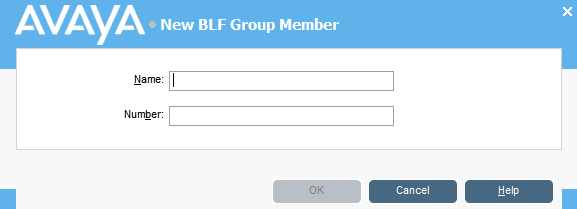
-
- Enter the Name and Number for the new member.
- Click OK to return to the BLF panel.