

AVAYA 문서 센터
기술적 질문에 대한 답변을 찾고 제품 사용 방법을 알아보세요.
Using Avaya Workspaces for Avaya Experience Platform™ Public Cloud
Views and measures
To create views, Avaya Workspaces uses producers that Analytics for Avaya Experience Platform™ Public Cloud provides. Analytics for Avaya Experience Platform™ Public Cloud also provides a list of measures that are available for use in each view.
You can create calculated measures to make compound calculations based on standard Analytics for Avaya Experience Platform™ Public Cloud measures. Analytics for Avaya Experience Platform™ Public Cloud sends the values for these calculated measures for use in views. For example, you can create a calculated measure that calculates the percentage value of offered interactions not answered by agents.
By default, all new calculated measures are private and visible only to the user who creates them. However, reporting administrators can share calculated measures and make them public.
You can create a new calculated measure using the following ways:
Standard: Create a standard measure using mathematical functions.
Conditional: Create a conditional measure using logical operators.
Time variables are not available for selection when creating calculated measures.
When you create a new dashboard, you can select the views that the dashboard displays. You can add views to a dashboard using a number of default layouts. A layout defines the position of each view on the dashboard. You can arrange views vertically, horizontally, or using a combination of both.
To create new views, you can use one of the supported widgets. For example, you can create a pie chart view and select the producer to associate with the view and the measures to display. You can also change the order of the measures and apply formatting changes.
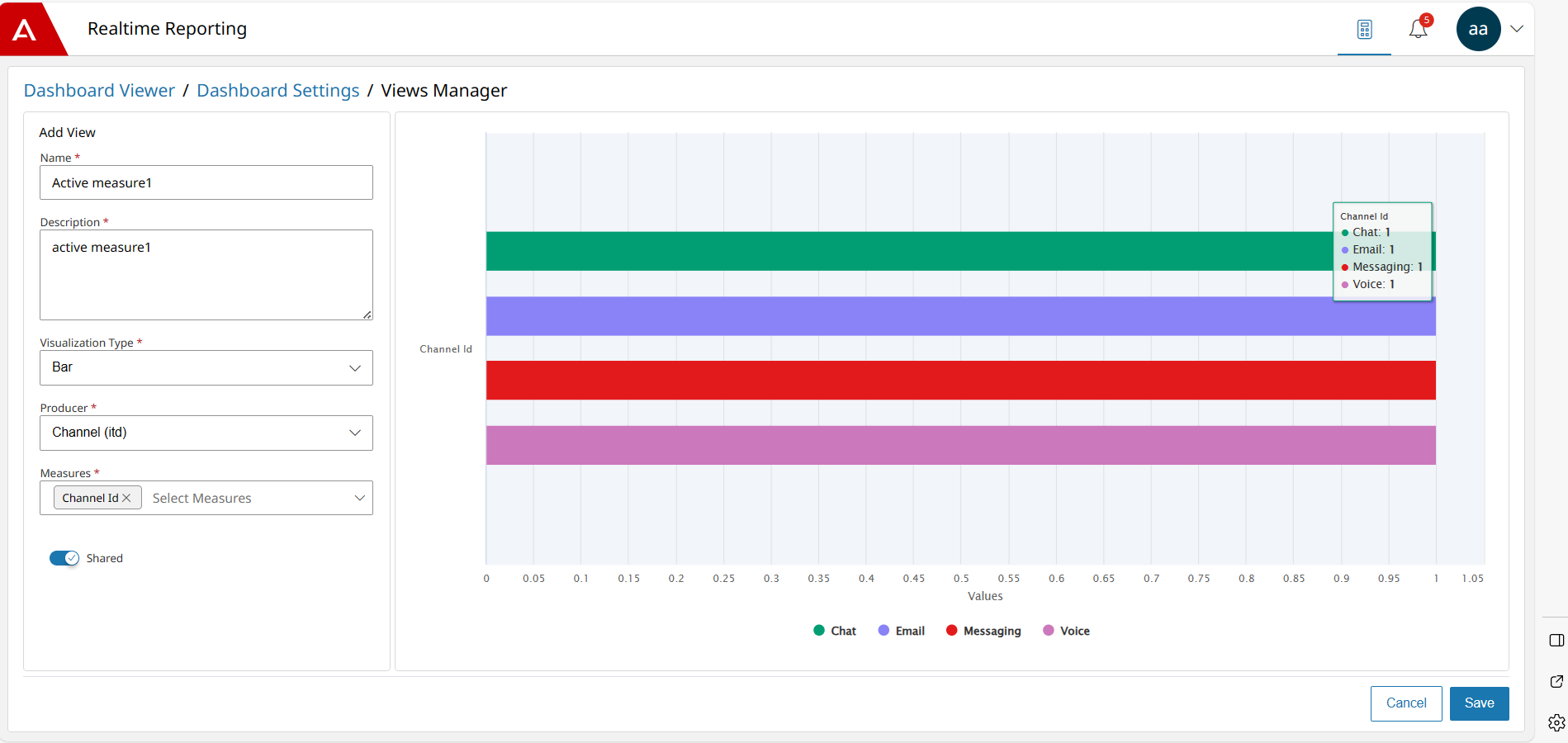
Users with reporting supervisor or reporting administrator roles can create private views, visible only to them. You can clone an existing private view. Cloned views are private. However, reporting administrators can share views and make them public.
When you create a view, the viewing mode for the real-time producers is the interval of 24 hours. At the end of the interval, the real-time measures that reset at midnight are reset to zero.