

AVAYA DOCUMENTATION CENTER
Find answers to your technical questions and learn how to use our products
Using Avaya Cloud Office Mobile App
Team management
Important:
This article is based on the Android version of Avaya Cloud Office Mobile App. The navigation and user interface elements may differ for iOS users.
Teams in Avaya Cloud Office™ are formal spaces where departments or smaller units can communicate and collaborate on tasks. A team can be either private or public. Private teams are visible only to members and require an invitation to join, while public teams are visible to all users and open for anyone to join.
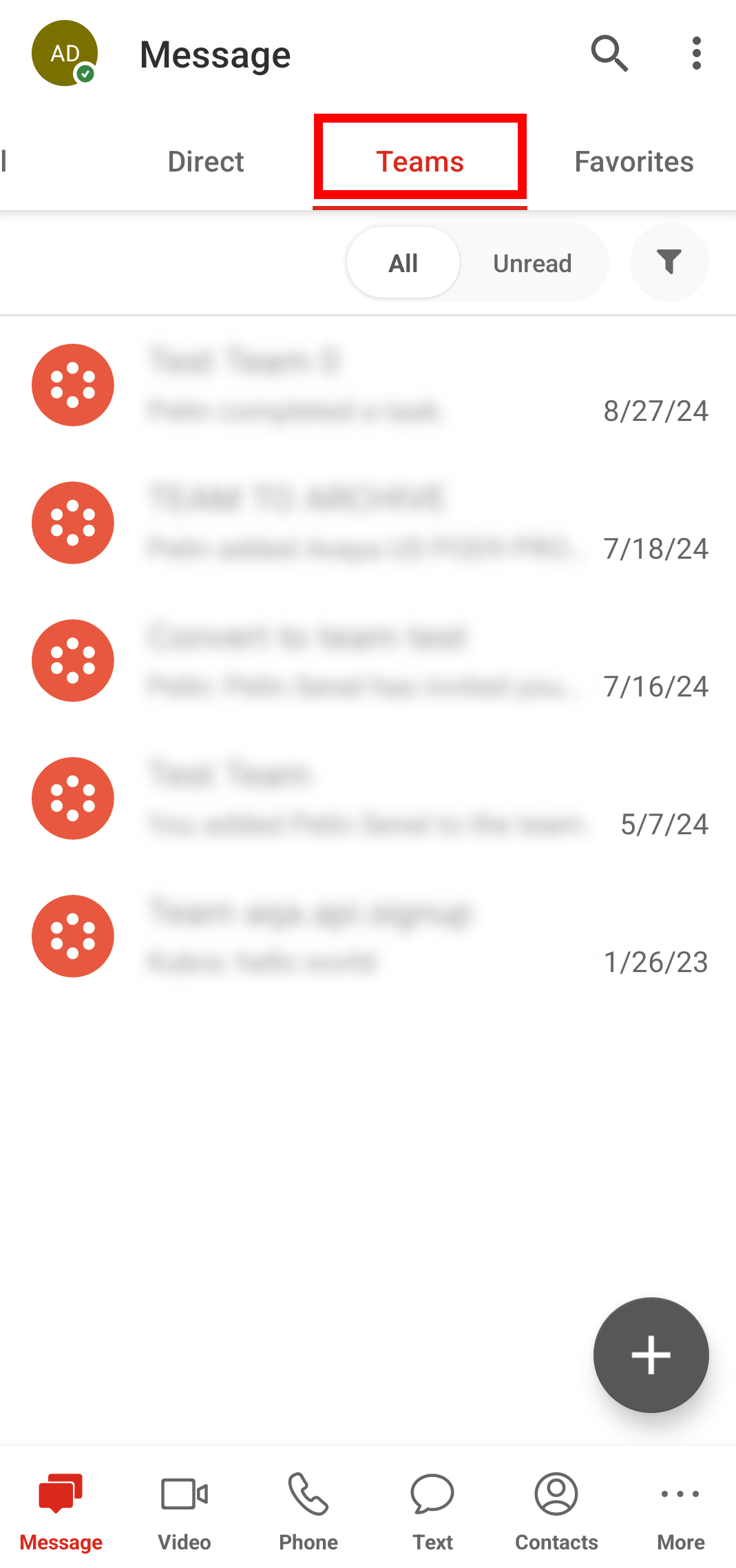
You can create and manage your teams from the Message tab of Avaya Cloud Office Mobile App. As the team administrator, you can manage team settings and member permissions as well as archive or delete your teams.
Deleting a team permanently removes it from Avaya Cloud Office™. However, you can restore archived teams later.